Start with the overview
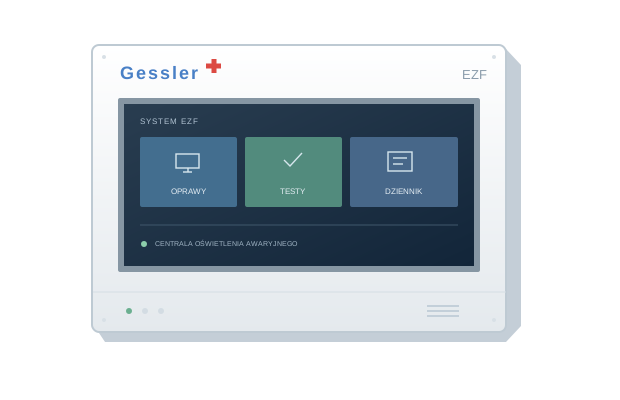
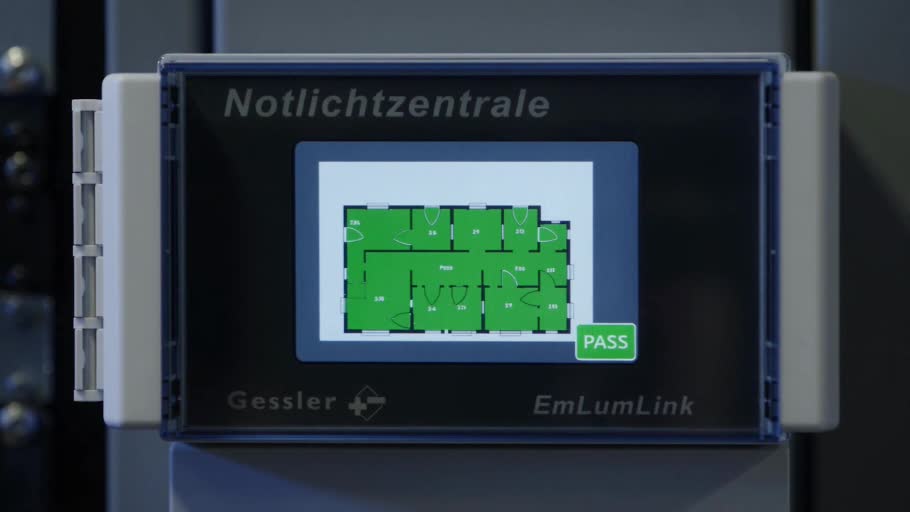
The EZF control unit provides access to emergency luminaires. The system overview, luminaire list, tests and event log are the main starting points.
Find a specific luminaire
Open the luminaire list and select the device card. Before changing settings, check its address, channel and location description.
Choose the right topic
- Luminaires and communication — identify devices and their locations.
- Tests and reports — function tests, duration tests and results.
- Service and configuration — backups and service information.
Screen layouts and available functions depend on the software version and user permissions. Follow the instructions for your particular control unit.