
EZF KNOWLEDGE HUB
Find your answer.
4 materials
Controller settings · Article
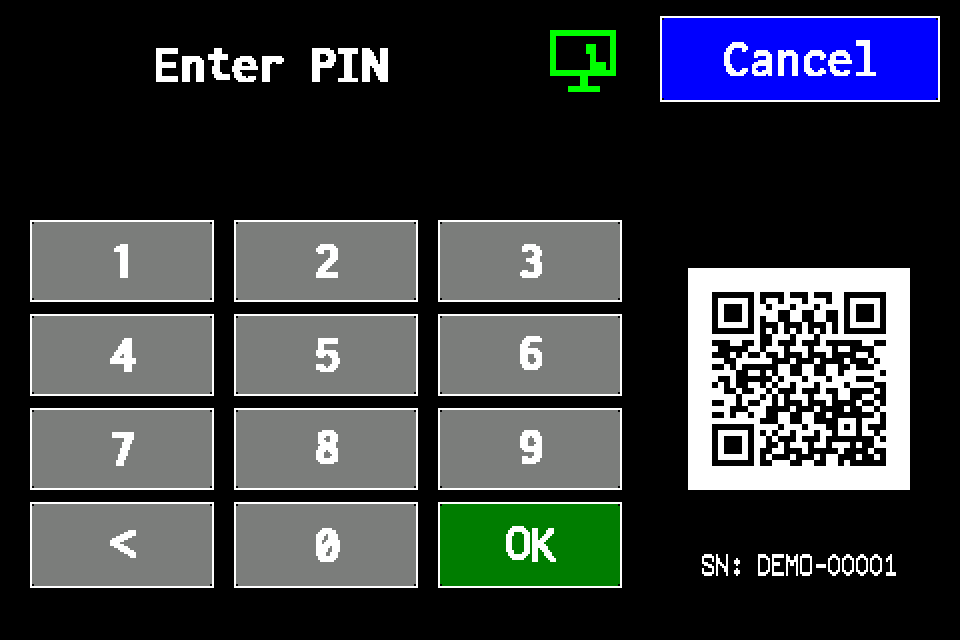
Controller access codes
User and service functions, the default service PIN, daily Gessler PIN and changing the code on the classic display.
4 min read
Controller settings · Article
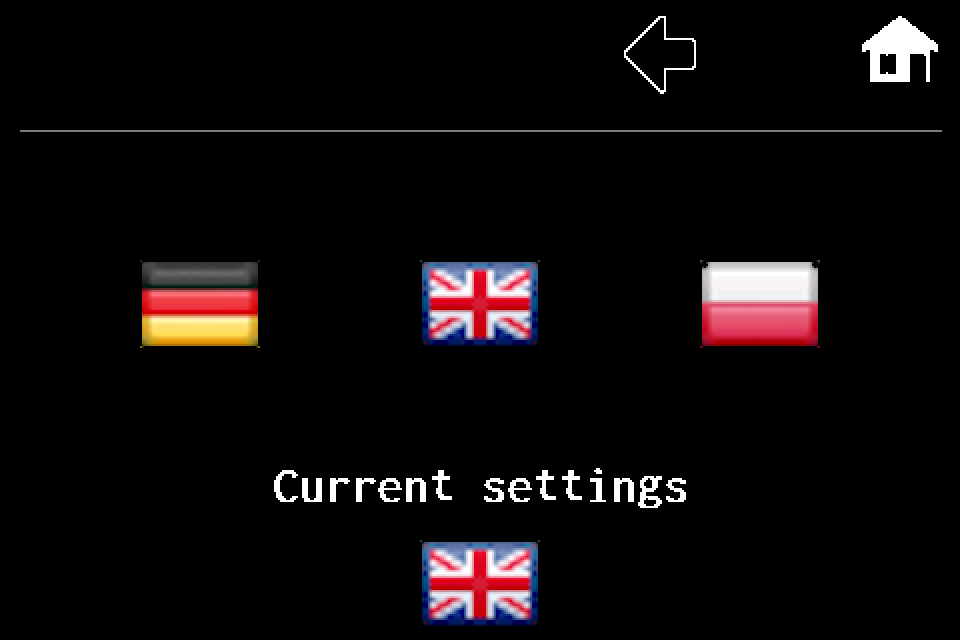
Controller — language settings
MENU → second page → Settings → Language. PL, DE and EN flags, saving on exit and a display image for each step.
1 min read
Controller settings · Article
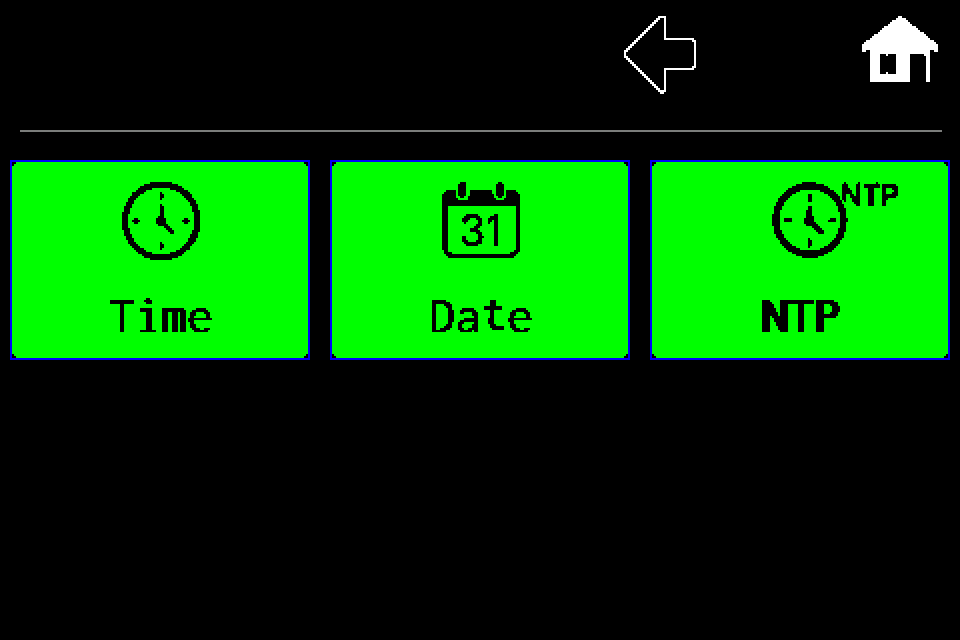
Controller — set the clock, date and NTP
RTC clock: set time and date manually or use NTP synchronization, correction and Summer time mode. Separate procedures with display screens.
2 min read
Controller settings · Article
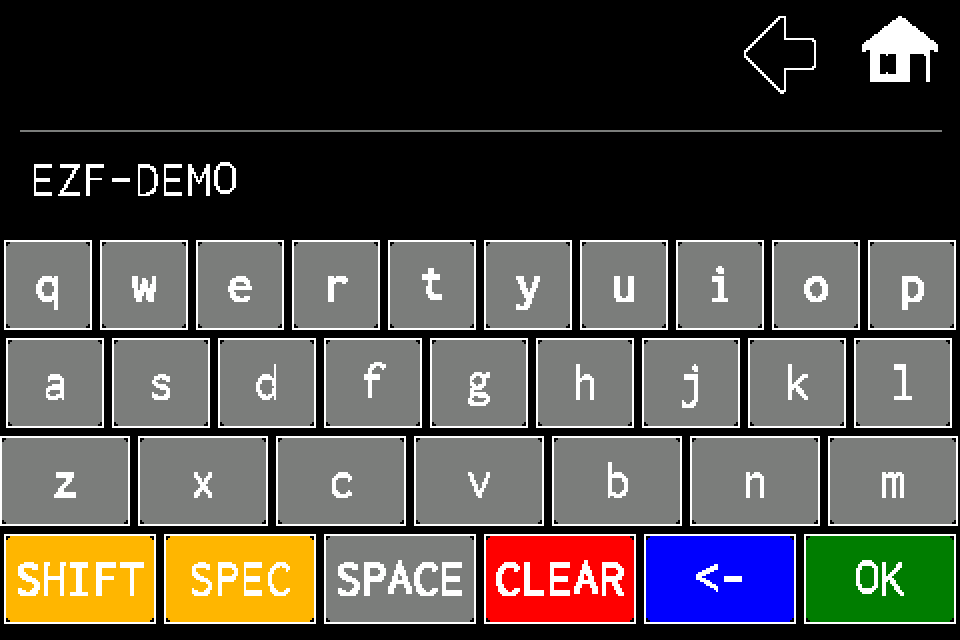
Controller — device name
MENU → Settings → Ctrl name. Keyboard editing, saving with OK and checking the name in Information, with display screens.
1 min read