
Find your answer.
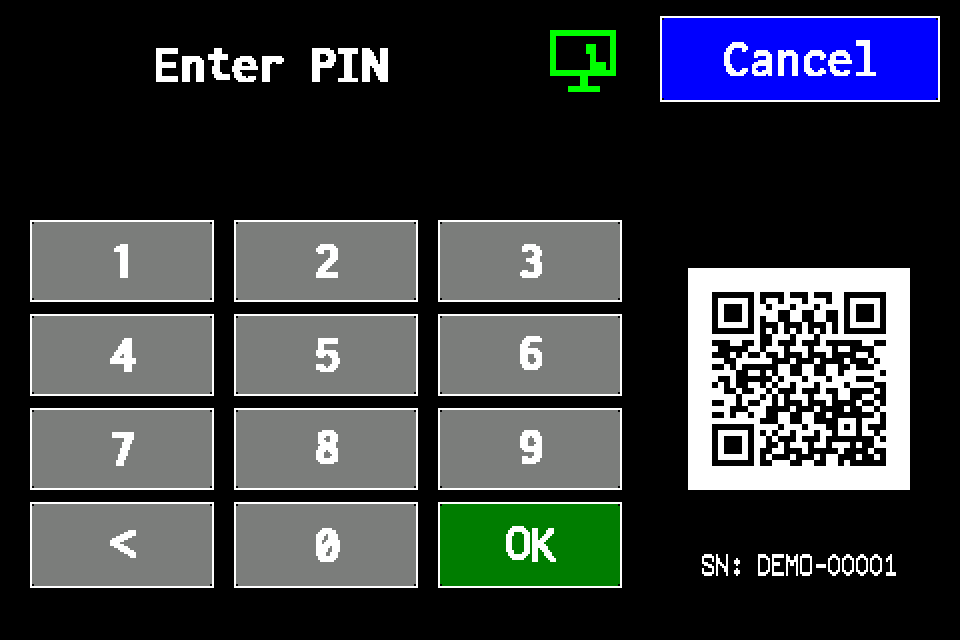
Controller access codes
User and service functions, the default service PIN, daily Gessler PIN and changing the code on the classic display.
EZF - operating manual 2026 (DE)
German operating manual for the EZF controller in PDF format.
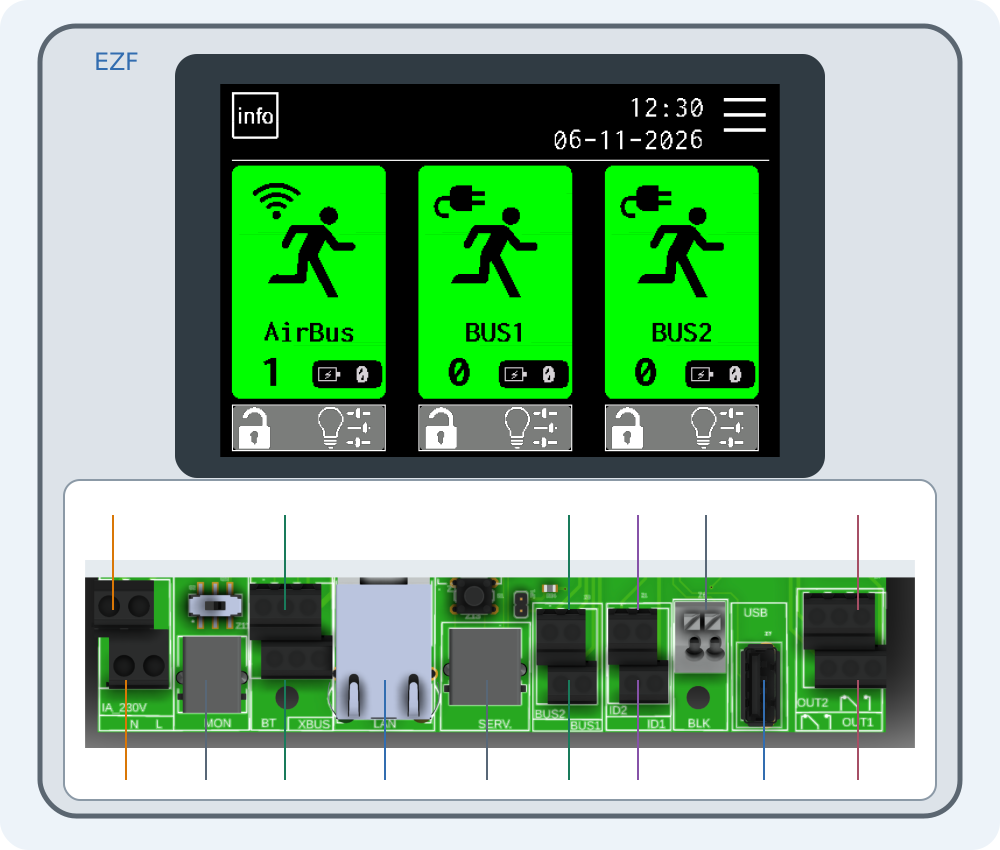
Connecting EZF — interactive connector guide
Select a number on the drawing or choose a connector below. Enlarge the drawing to read printed labels.
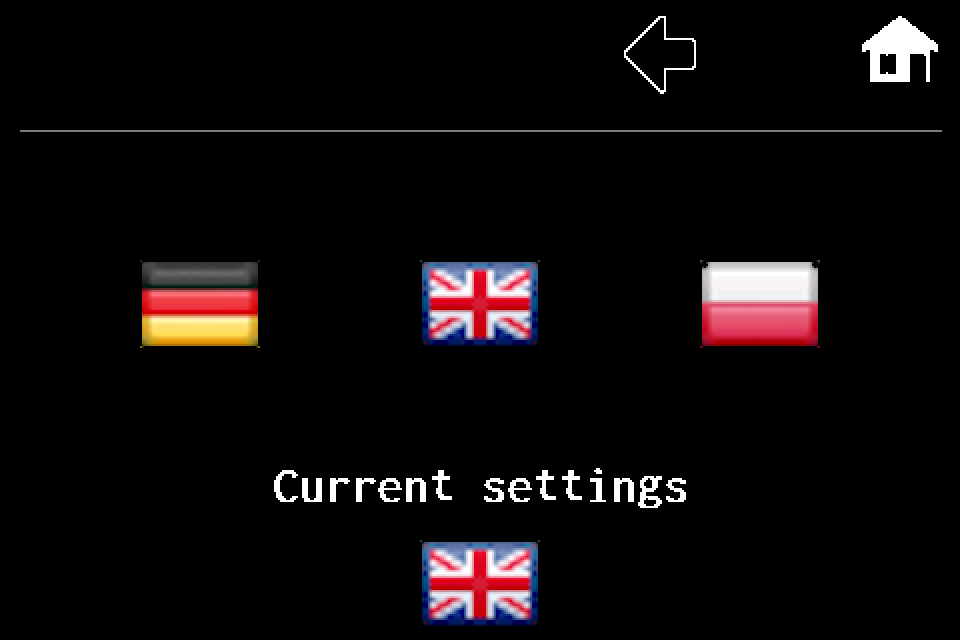
Controller — language settings
MENU → second page → Settings → Language. PL, DE and EN flags, saving on exit and a display image for each step.
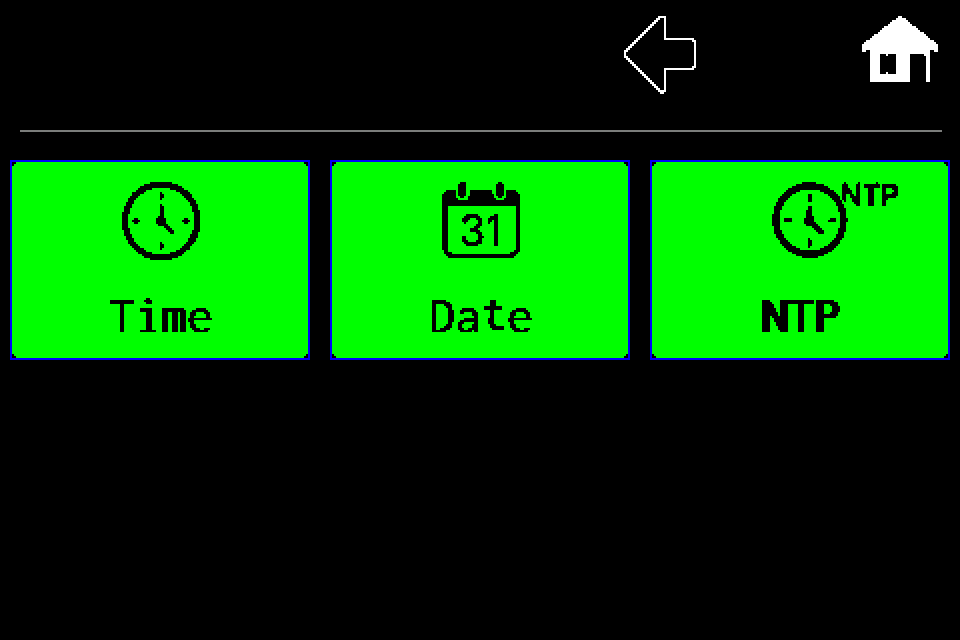
Controller — set the clock, date and NTP
RTC clock: set time and date manually or use NTP synchronization, correction and Summer time mode. Separate procedures with display screens.
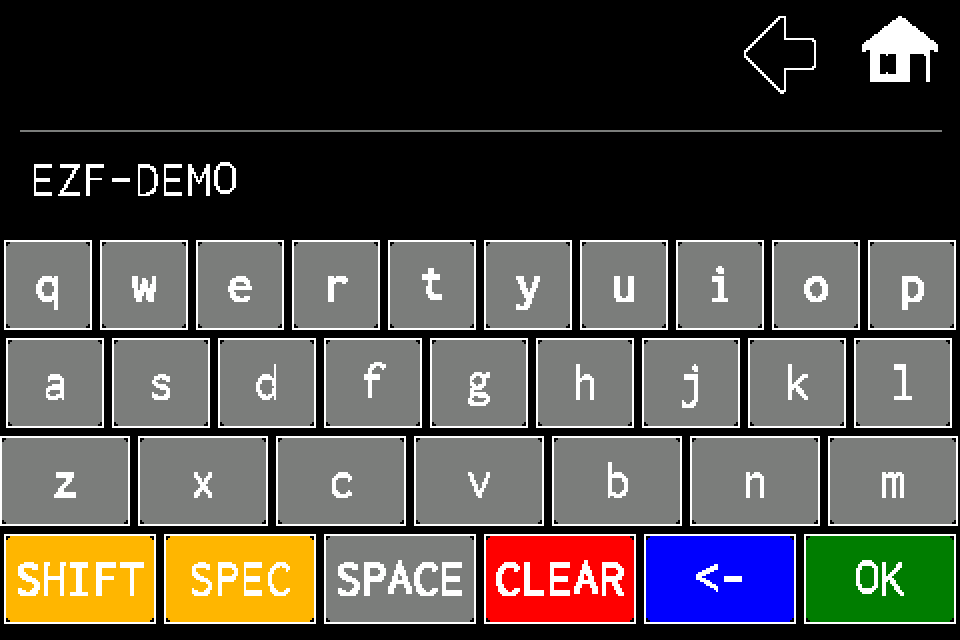
Controller — device name
MENU → Settings → Ctrl name. Keyboard editing, saving with OK and checking the name in Information, with display screens.
Web Master — setting up the integration
Connect Web Master to an EZF controller, synchronise luminaires and read their status.
Modbus IP — configuration and status monitoring
Enable Modbus TCP, check the register map and test AirBus luminaires.
EZF API — JSON, TSV and error handling
HTTP request examples, luminaire IDs, NVG diagnostics and error codes.
Integration tools — Windows, macOS and simulators
Download the tester, practise locally and prepare the integration without firmware source code.
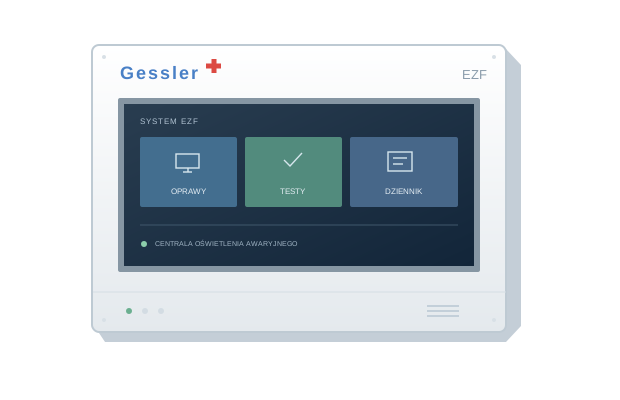
EZF simulators: classic, METRO and comparison
Three interactive R6 views from EZF 10.107 / METRO 10.109.
Meet the EZF control unit
Your starting point for luminaires, tests and system documentation.
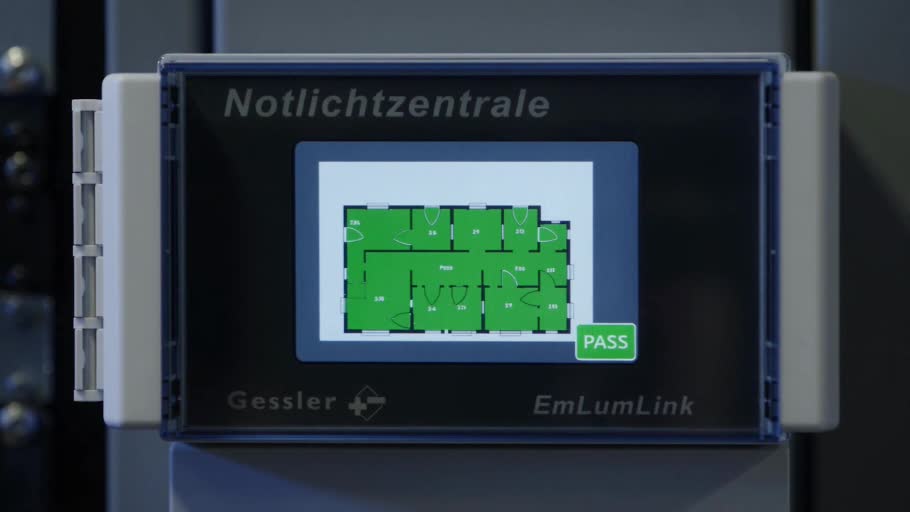
EZF. Safety starts with knowledge
A short opening film for the EZF control-unit knowledge hub.