
EZF KNOWLEDGE HUB
Find your answer.
3 materials for „Leuchten”
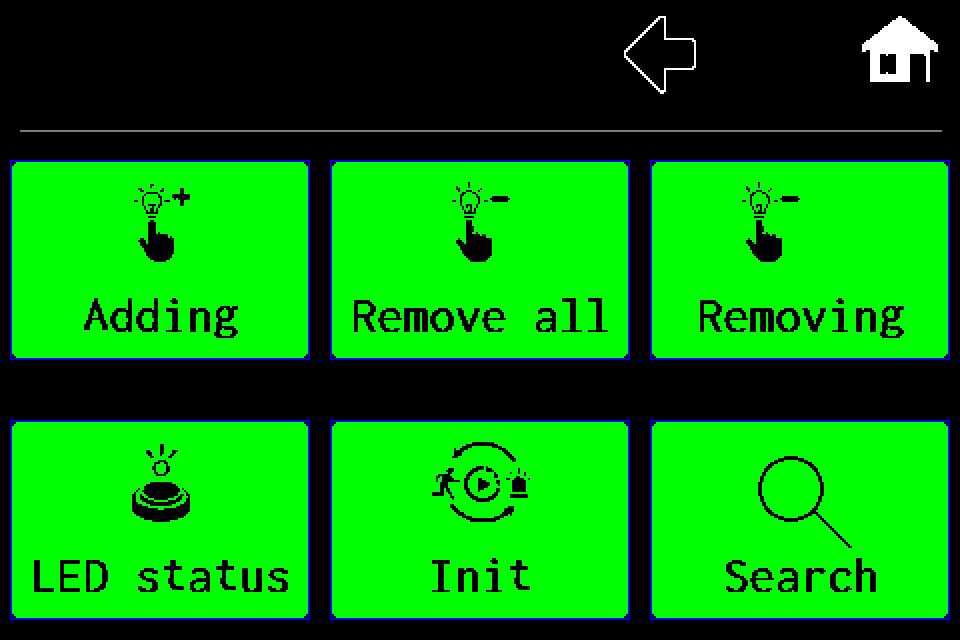
AirBUS — luminaire management · Article
AirBUS — manually add a luminaire by address
MENU → Luminaires → Adding → Wireless → HEX address → OK, with display screens.
1 min read
AirBUS — luminaire management · Article
AirBUS — delete one luminaire
Remove one specified address, including the confirmation screen.
1 min read
AirBUS — luminaire management · Article
AirBUS — delete all luminaires
Delete the entire Wireless channel list, with both confirmation screens.
1 min read