
EZF KNOWLEDGE HUB
Find your answer.
7 materials for „DHCP”
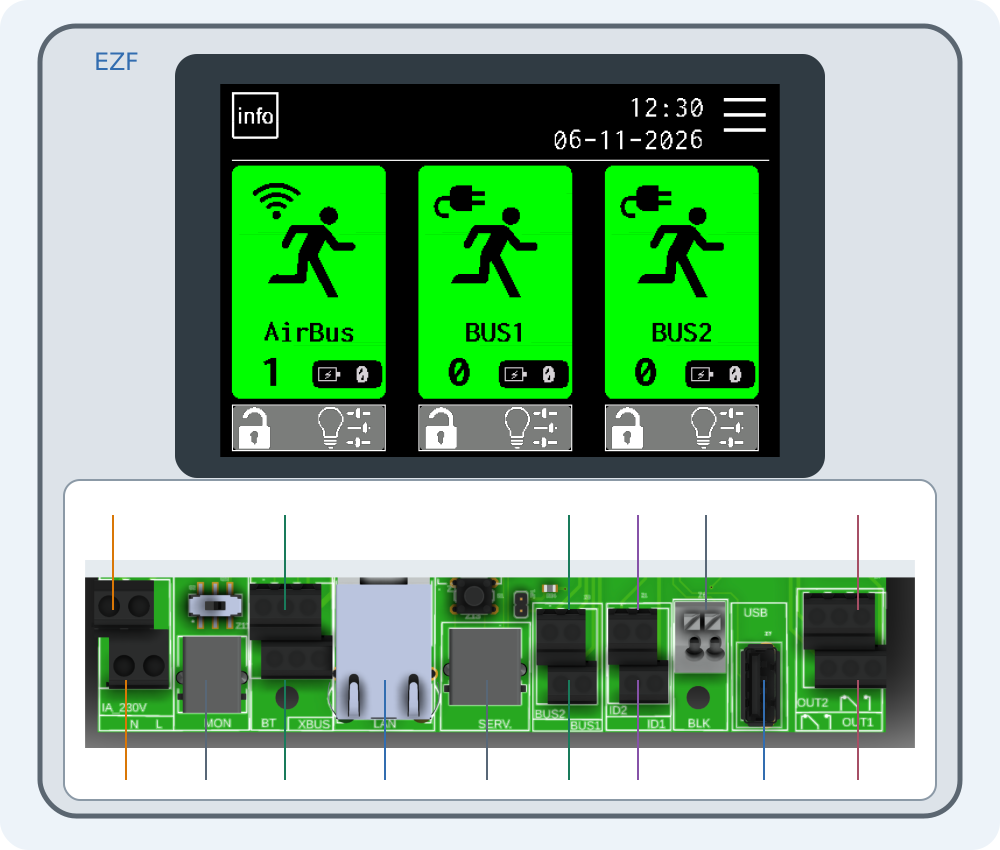
Controller connections · Article
Connecting EZF — interactive connector guide
Select a number on the drawing or choose a connector below. Enlarge the drawing to read printed labels.
4 min read
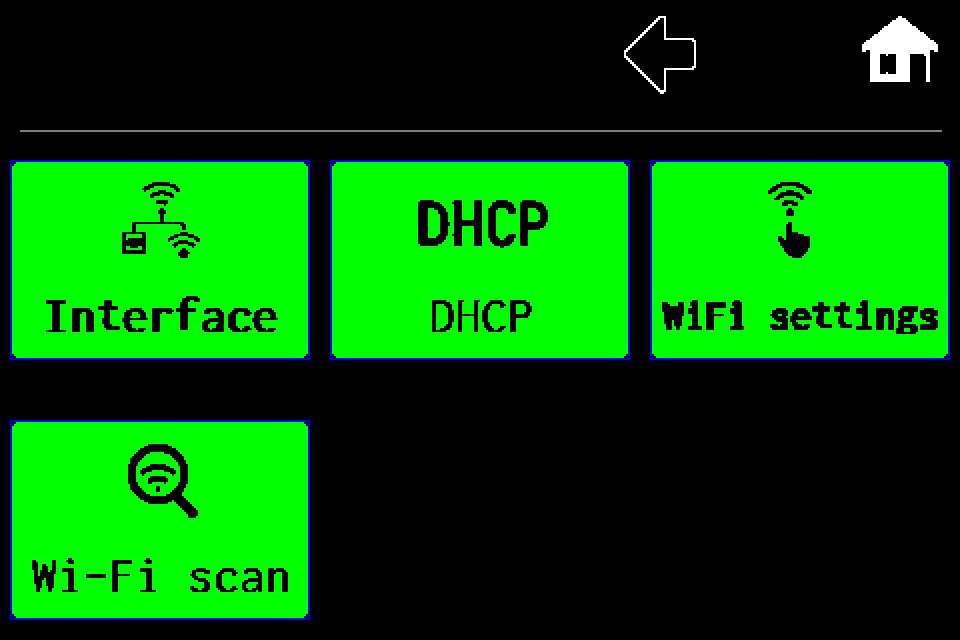
Network and email · Article
Network — Wi‑Fi client setup and network scanning
Client mode, Wi‑Fi scan, SSID and password, including the PIN screen, saving and restart.
1 min read
Network and email · Article
Network — switch from Wi‑Fi client to LAN
Select wired LAN, save the profile and restart the controller.
1 min read
Network and email · Article
Network — controller Access Point mode
Enable the controller’s own Wi‑Fi network and read connection details in INFO.
1 min read
Network and email · Article
Network — DHCP and static IP configuration
Disable DHCP, edit IP, gateway and mask, then save and restart for LAN or Wi‑Fi client.
1 min read
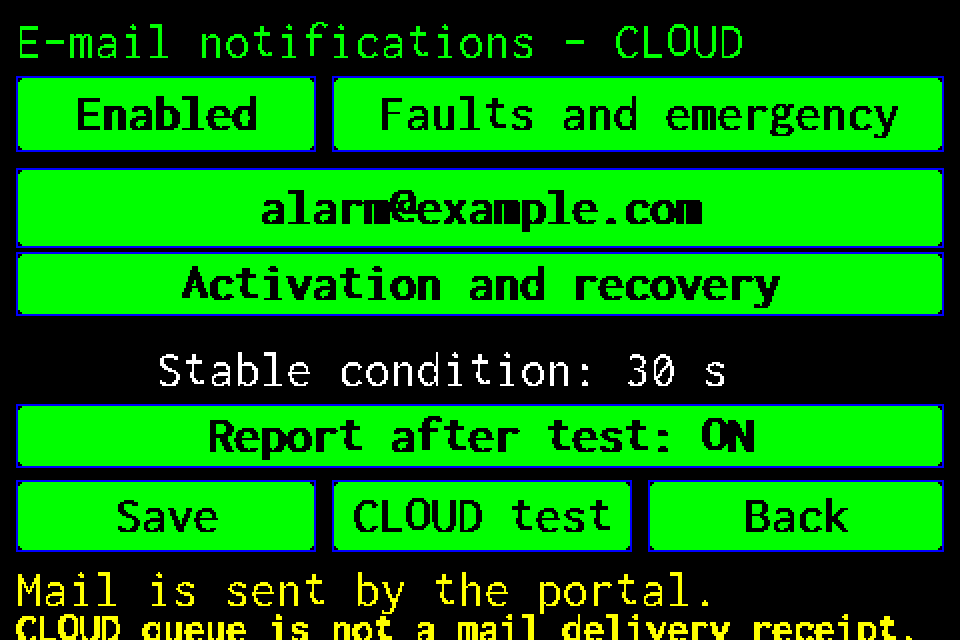
Network and email · Article
CLOUD email notifications — setup and test
Recipient, alarm conditions, reminders and reports after tests, with display screens and PIN login.
3 min read
EZFKNOWLEDGE07
Integrations and API · Article
Web Master — setting up the integration
Connect Web Master to an EZF controller, synchronise luminaires and read their status.
3 min read