
EZF KNOWLEDGE HUB
Find your answer.
8 materials for „HEX”
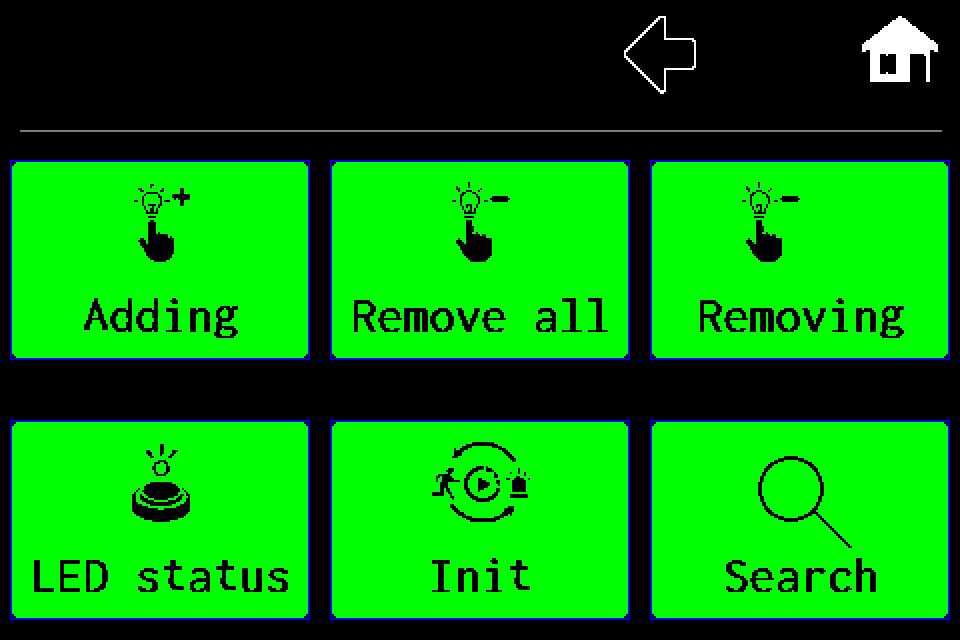
AirBUS — luminaire management · Article
AirBUS — manually add a luminaire by address
MENU → Luminaires → Adding → Wireless → HEX address → OK, with display screens.
1 min read
AirBUS — luminaire management · Article
AirBUS — delete one luminaire
Remove one specified address, including the confirmation screen.
1 min read
AirBUS — luminaire management · Article
AirBUS — delete all luminaires
Delete the entire Wireless channel list, with both confirmation screens.
1 min read
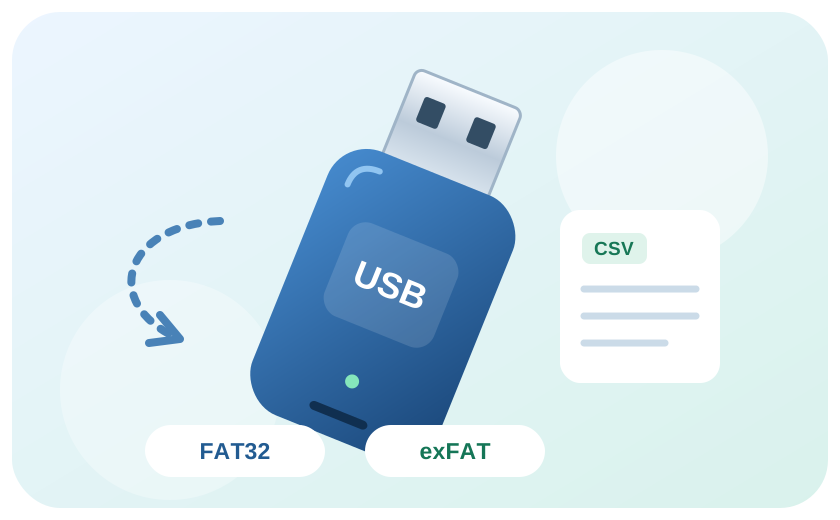
Data and USB · Article
Import a luminaire list from CSV
Prepare and validate a list for AirBUS, BUS1 or BUS2, then import it over USB.
4 min read
Data and USB · Article
Export test group assignments
Export gruppetest.csv and check other settings separately.
2 min read
EZFKNOWLEDGE06
Integrations and API · Article
Web Master — setting up the integration
Connect Web Master to an EZF controller, synchronise luminaires and read their status.
3 min read
EZFKNOWLEDGE07
Integrations and API · Article
Modbus IP — configuration and status monitoring
Enable Modbus TCP, check the register map and test AirBus luminaires.
6 min read
EZFKNOWLEDGE08
Integrations and API · Article
EZF API — JSON, TSV and error handling
HTTP request examples, luminaire IDs, NVG diagnostics and error codes.
4 min read