
Find your answer.
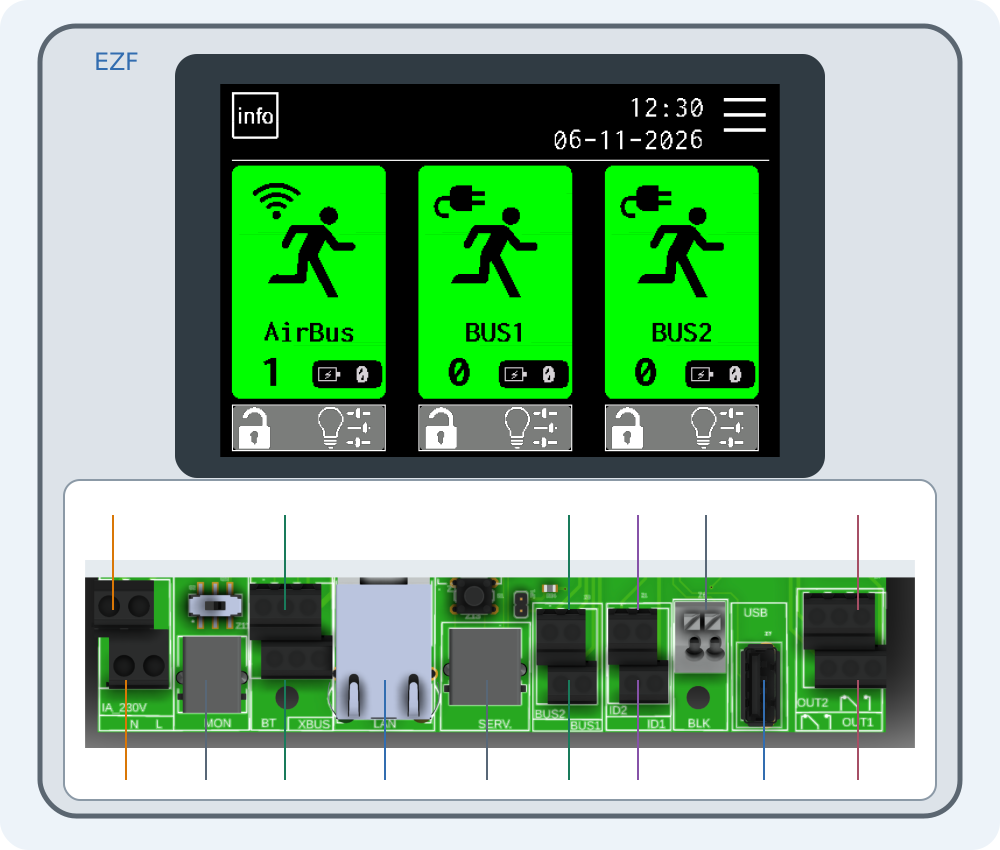
Connecting EZF — interactive connector guide
Select a number on the drawing or choose a connector below. Enlarge the drawing to read printed labels.
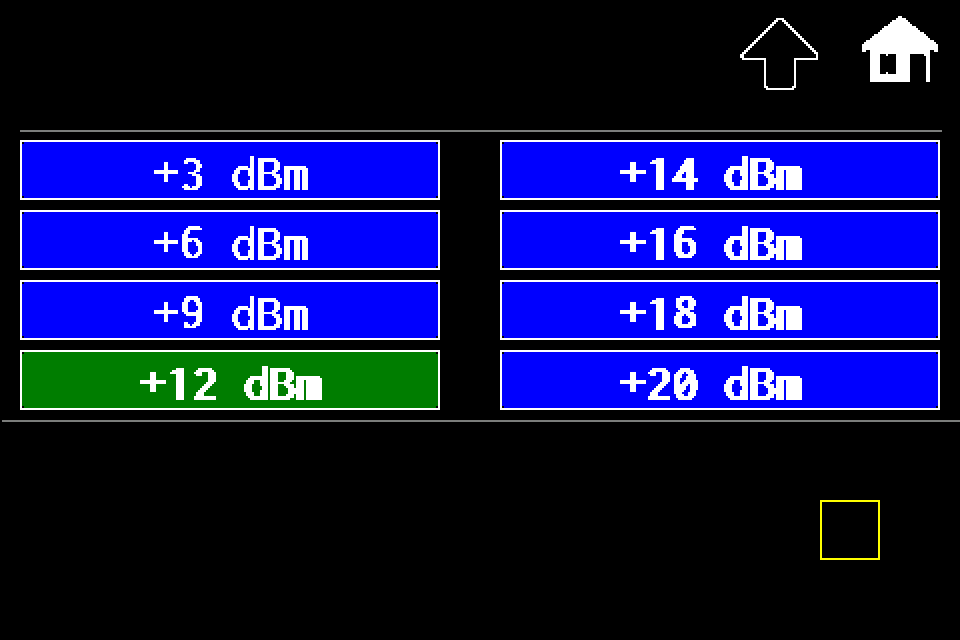
Controller — increase or reduce transmit power
MENU → Settings → Radio → Set Power → dBm level → disk icon. Controller radio power with Classic/METRO display steps.
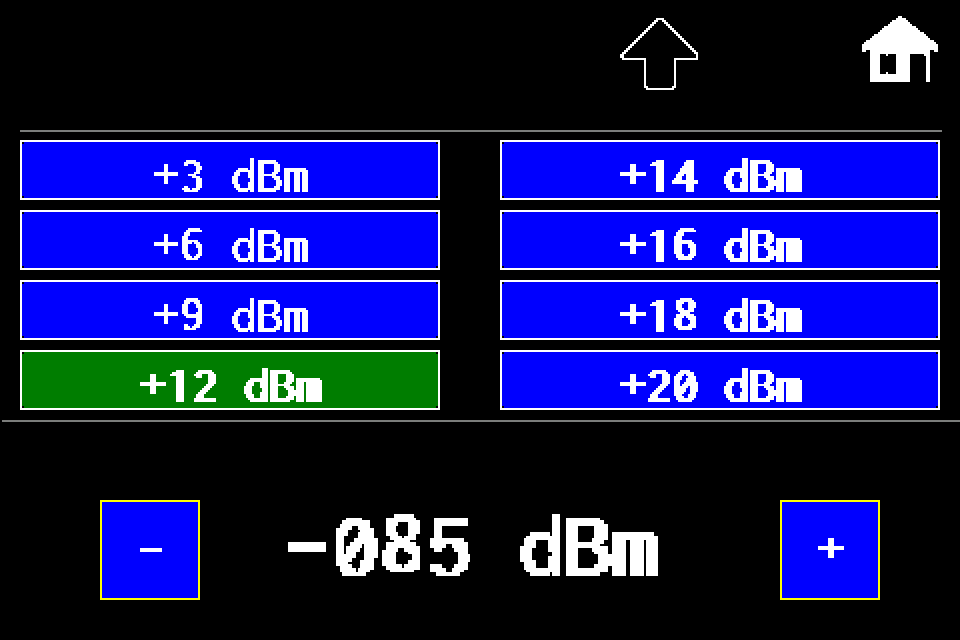
AirBUS — increase or reduce luminaire transmit power
MENU → Settings → Radio → In lumin. → dBm level → disk icon → Send SYNC. RSSI threshold explained, with a display image for each step.
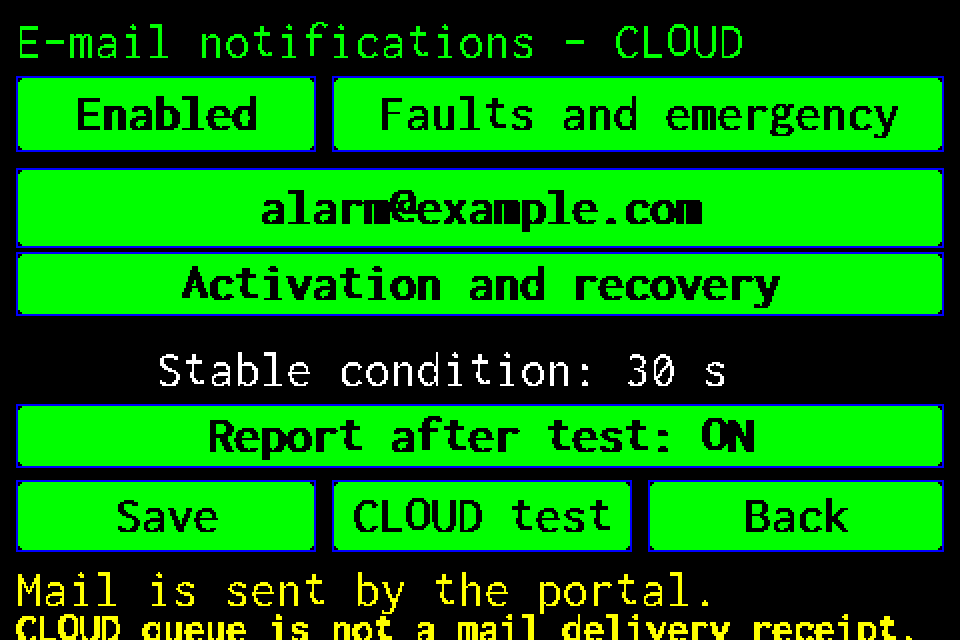
CLOUD email notifications — setup and test
Recipient, alarm conditions, reminders and reports after tests, with display screens and PIN login.
Web Master — setting up the integration
Connect Web Master to an EZF controller, synchronise luminaires and read their status.
Modbus IP — configuration and status monitoring
Enable Modbus TCP, check the register map and test AirBus luminaires.
EZF API — JSON, TSV and error handling
HTTP request examples, luminaire IDs, NVG diagnostics and error codes.
Integration tools — Windows, macOS and simulators
Download the tester, practise locally and prepare the integration without firmware source code.
Function test and duration test
How the tests differ and why the configured duration matters.