
EZF KNOWLEDGE HUB
Find your answer.
5 materials for „SD”
Controller settings · Article
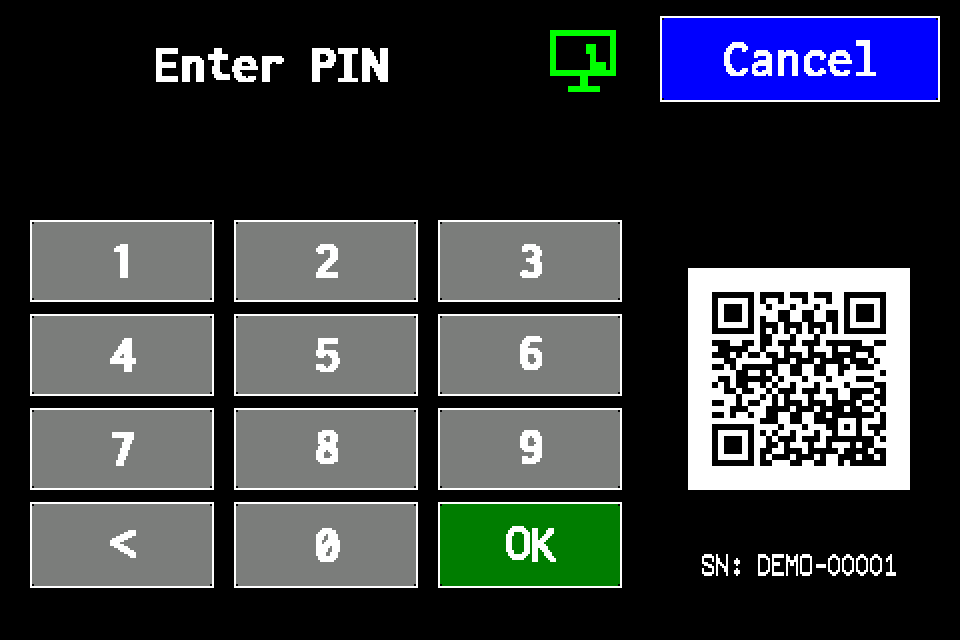
Controller access codes
User and service functions, the default service PIN, daily Gessler PIN and changing the code on the classic display.
4 min read
Controller connections · Article
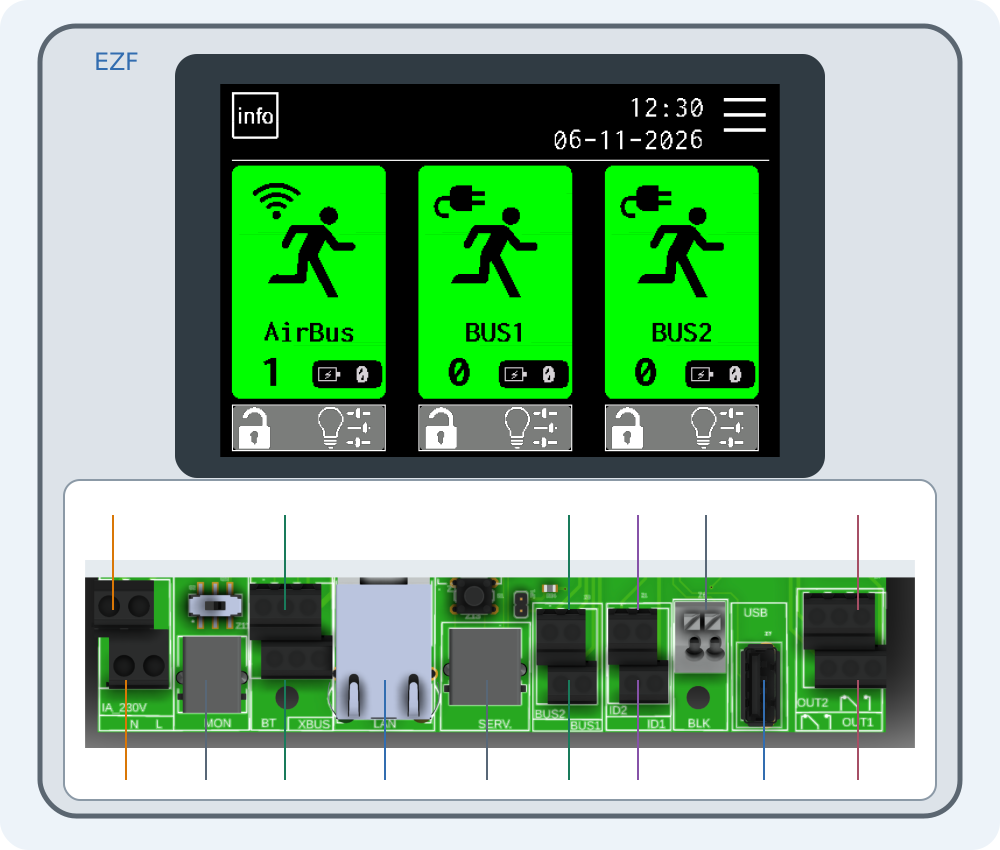
Connecting EZF — interactive connector guide
Select a number on the drawing or choose a connector below. Enlarge the drawing to read printed labels.
4 min read
Backups · Article
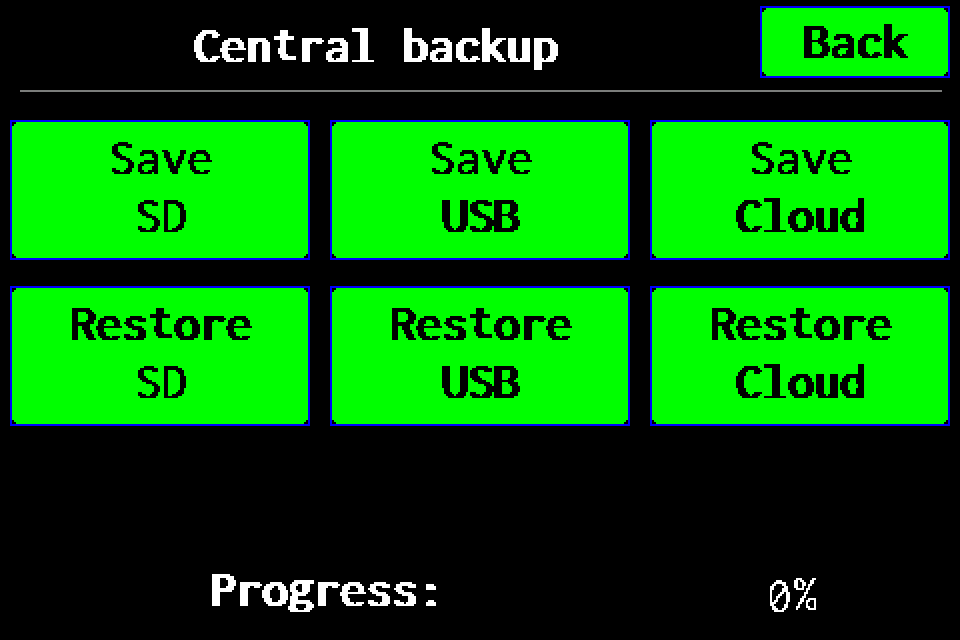
Full backup to USB
Full controller backup to a USB drive: menu path, saving, progress and checking the .ezb file. A working SD card is also required for USB.
2 min read
Backups · Article
Full backup to SD card
Full controller backup to SD card: menu path, saving, progress and checking the archive in /backups.
2 min read
Backups · Article
Full backup to Cloud — experimental
Experimental feature: prepare a full backup on SD and upload it to Cloud. Functions may be incomplete; keep a checked USB or SD backup.
2 min read