
Find your answer.

Standard and Gessler LED indication — reading luminaire faults
Distinguish the status LED from the main light. Function test, readout after complete power removal and an animated single-luminaire simulator.
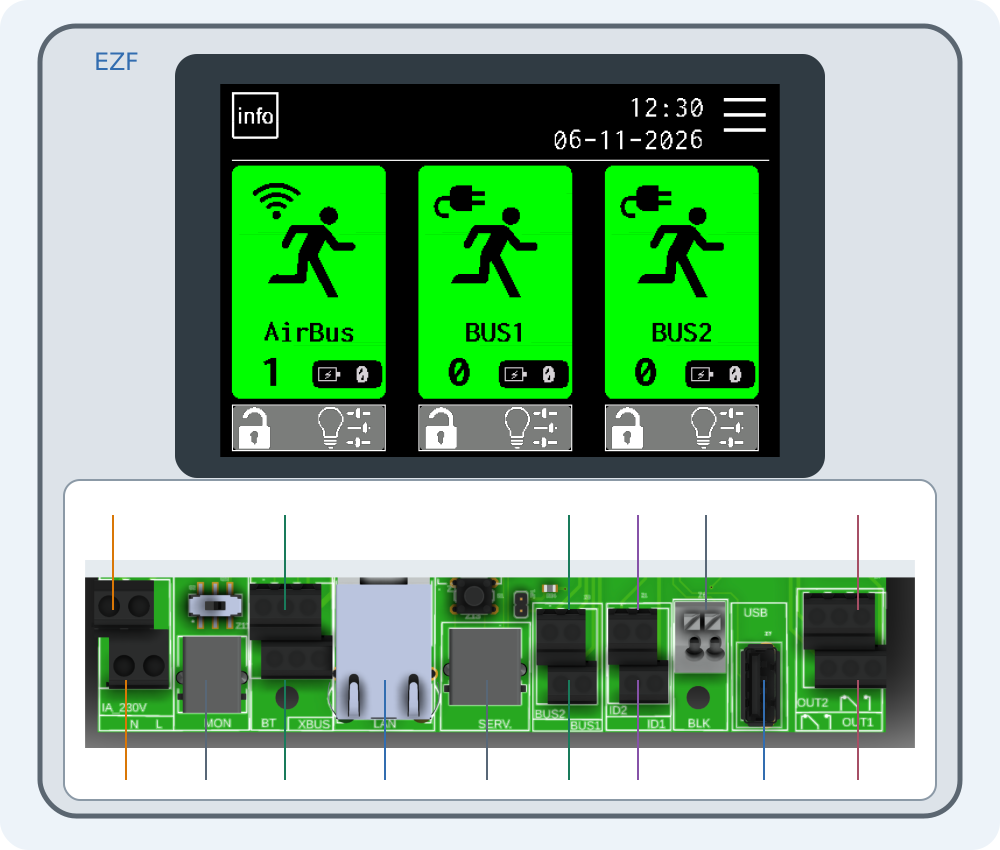
Connecting EZF — interactive connector guide
Select a number on the drawing or choose a connector below. Enlarge the drawing to read printed labels.
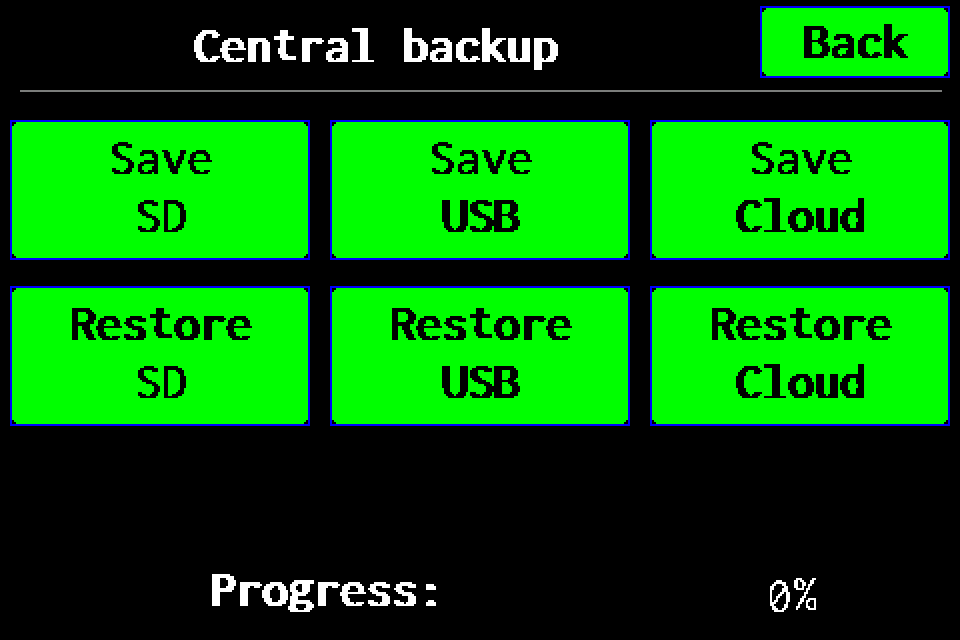
Full backup to USB
Full controller backup to a USB drive: menu path, saving, progress and checking the .ezb file. A working SD card is also required for USB.
Full backup to SD card
Full controller backup to SD card: menu path, saving, progress and checking the archive in /backups.
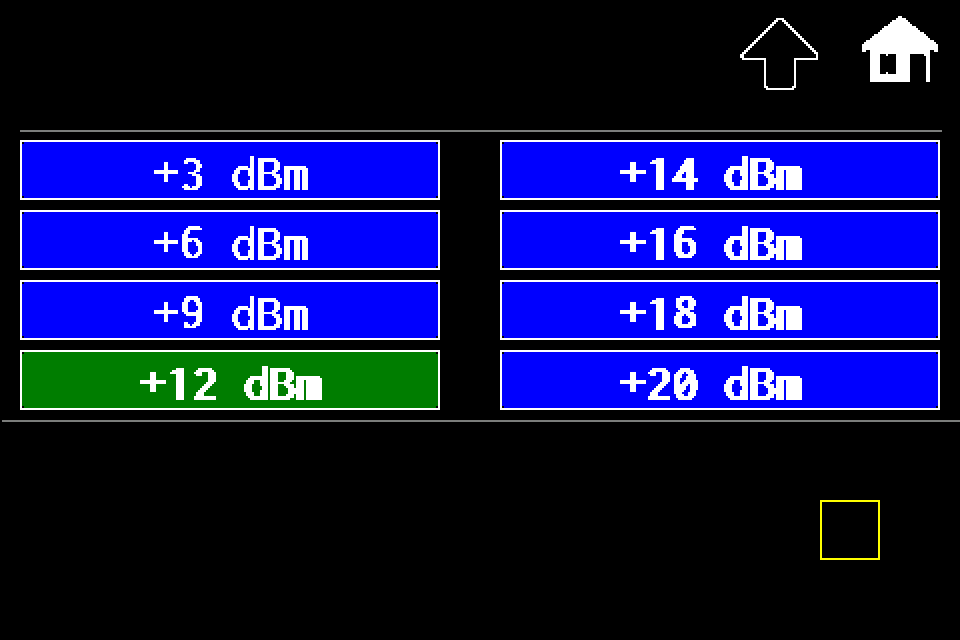
Controller — increase or reduce transmit power
MENU → Settings → Radio → Set Power → dBm level → disk icon. Controller radio power with Classic/METRO display steps.
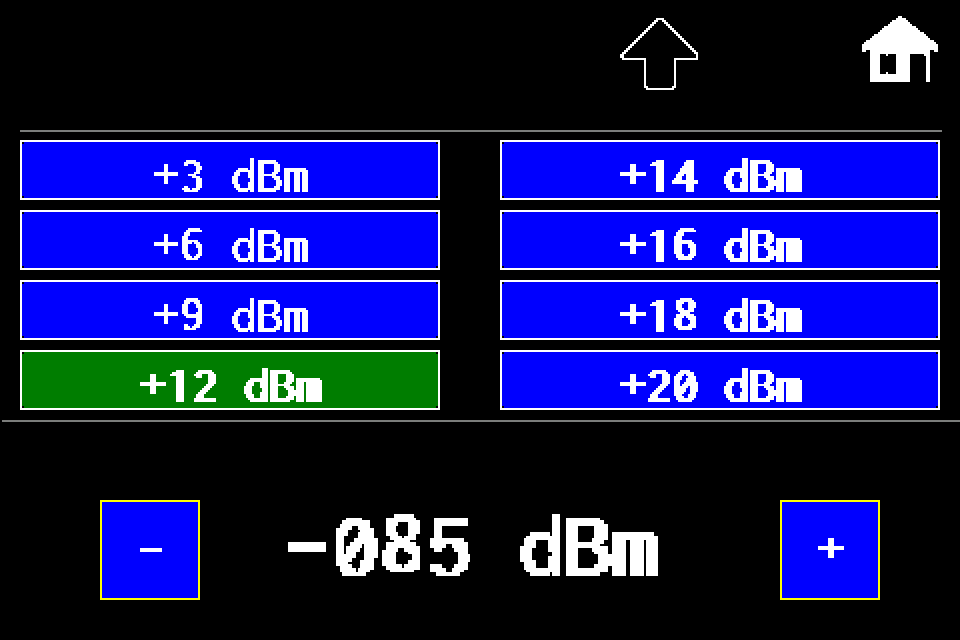
AirBUS — increase or reduce luminaire transmit power
MENU → Settings → Radio → In lumin. → dBm level → disk icon → Send SYNC. RSSI threshold explained, with a display image for each step.
EZF API — JSON, TSV and error handling
HTTP request examples, luminaire IDs, NVG diagnostics and error codes.
Integration tools — Windows, macOS and simulators
Download the tester, practise locally and prepare the integration without firmware source code.