
EZF KNOWLEDGE HUB
Find your answer.
7 materials for „radio”
Controller settings · Article
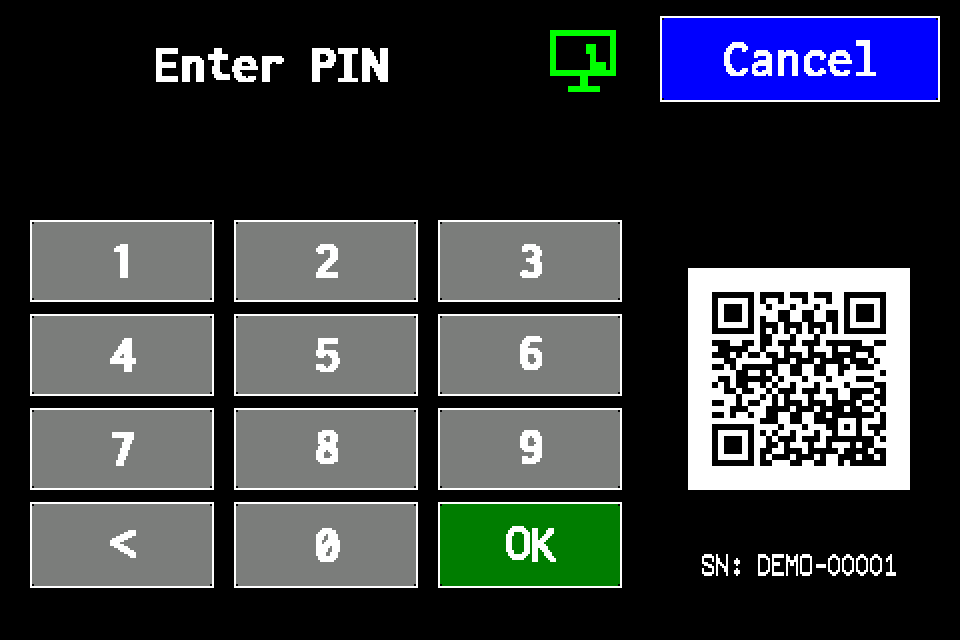
Controller access codes
User and service functions, the default service PIN, daily Gessler PIN and changing the code on the classic display.
4 min read
EZFKNOWLEDGE02
Planer · Article
Planer — building projects, luminaire placement and AirBUS connectivity
Load floor plans, draw walls, select catalogue luminaires and estimate 868 MHz radio connectivity.
2 min read
Radio — transmit power · Article
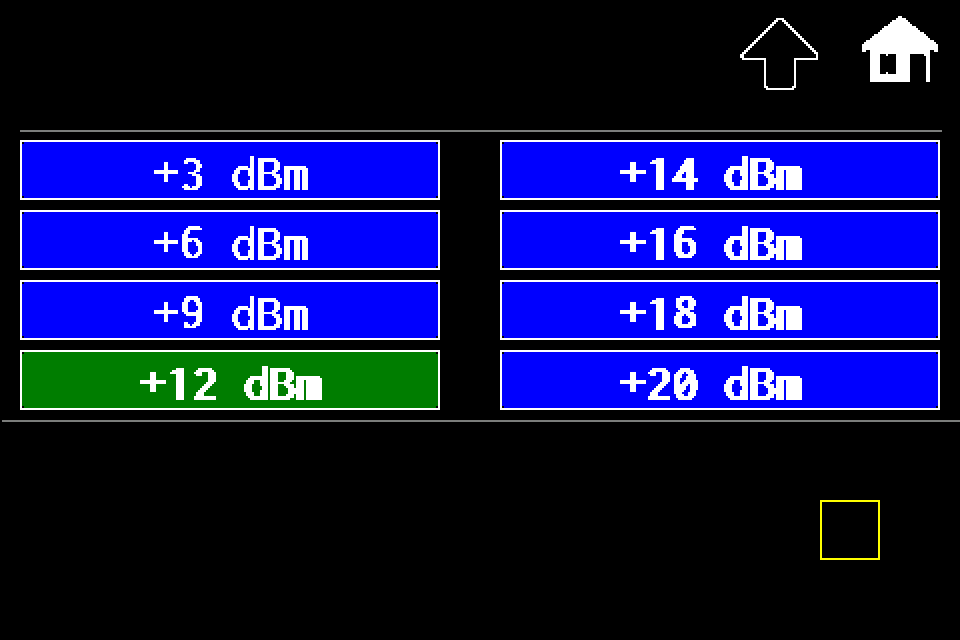
Controller — increase or reduce transmit power
MENU → Settings → Radio → Set Power → dBm level → disk icon. Controller radio power with Classic/METRO display steps.
1 min read
Radio — transmit power · Article
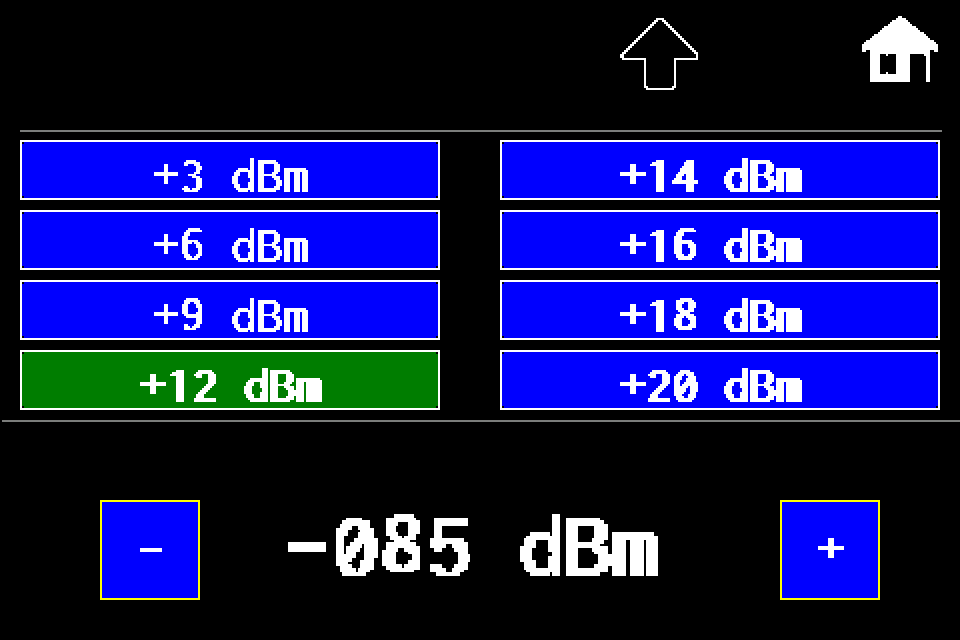
AirBUS — increase or reduce luminaire transmit power
MENU → Settings → Radio → In lumin. → dBm level → disk icon → Send SYNC. RSSI threshold explained, with a display image for each step.
2 min read
AirBUS — luminaire management · Article
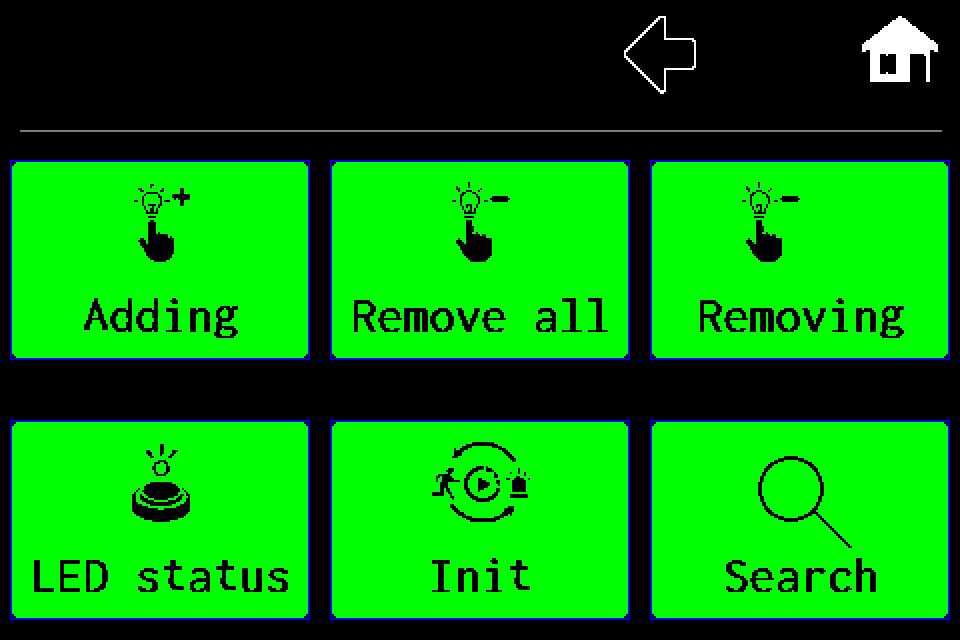
AirBUS — delete all luminaires
Delete the entire Wireless channel list, with both confirmation screens.
1 min read
EZFKNOWLEDGE06
Integrations and API · Article
Integration tools — Windows, macOS and simulators
Download the tester, practise locally and prepare the integration without firmware source code.
3 min read
EZFKNOWLEDGE07
Luminaires and communication · Article
BUS and AirBUS. Find your luminaire
The address, channel and location help identify a device unambiguously.
1 min read