
Find your answer.
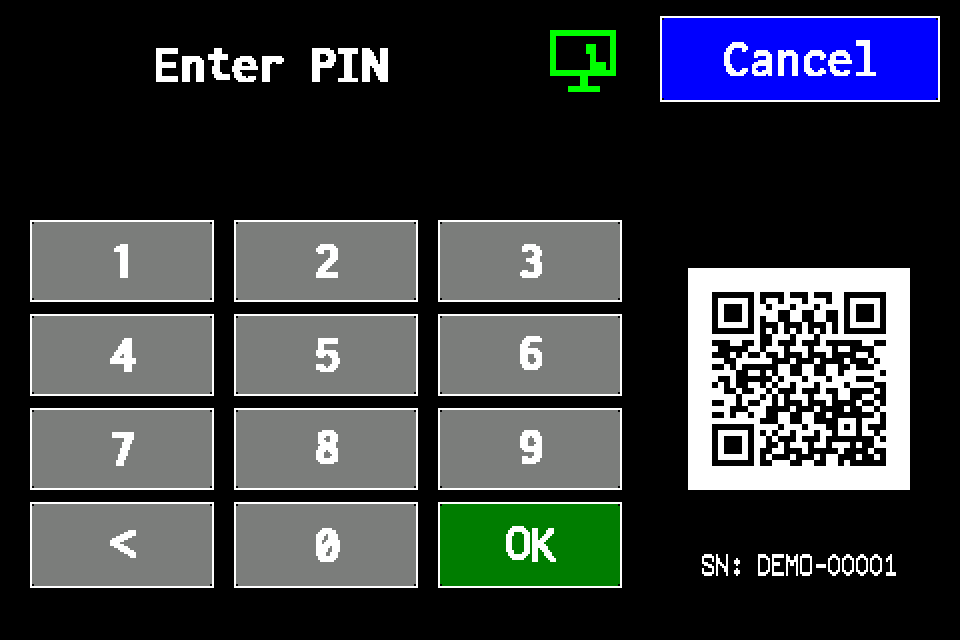
Controller access codes
User and service functions, the default service PIN, daily Gessler PIN and changing the code on the classic display.
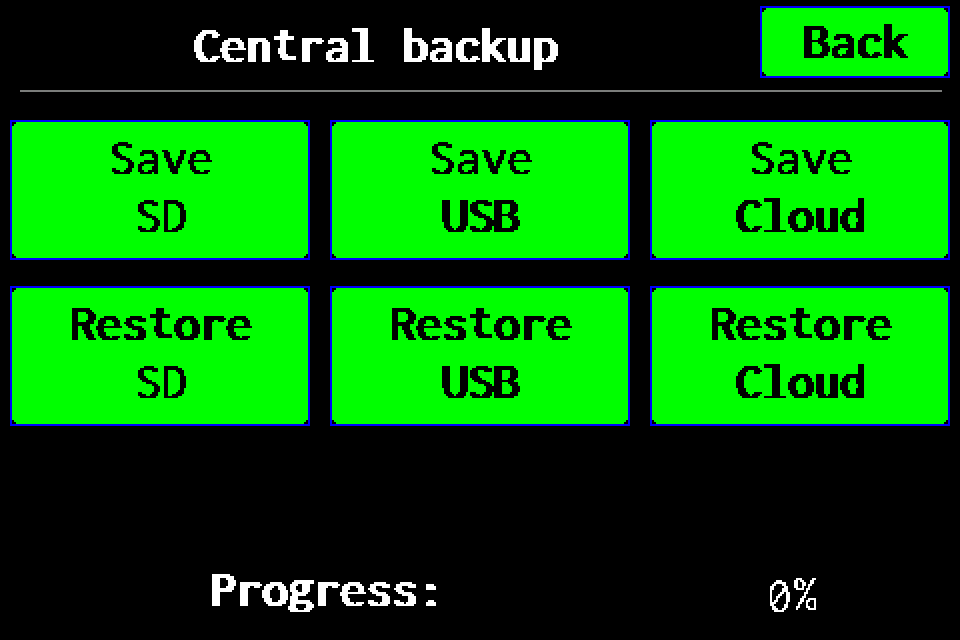
Full backup to USB
Full controller backup to a USB drive: menu path, saving, progress and checking the .ezb file. A working SD card is also required for USB.
Full backup to SD card
Full controller backup to SD card: menu path, saving, progress and checking the archive in /backups.
Full backup to Cloud — experimental
Experimental feature: prepare a full backup on SD and upload it to Cloud. Functions may be incomplete; keep a checked USB or SD backup.
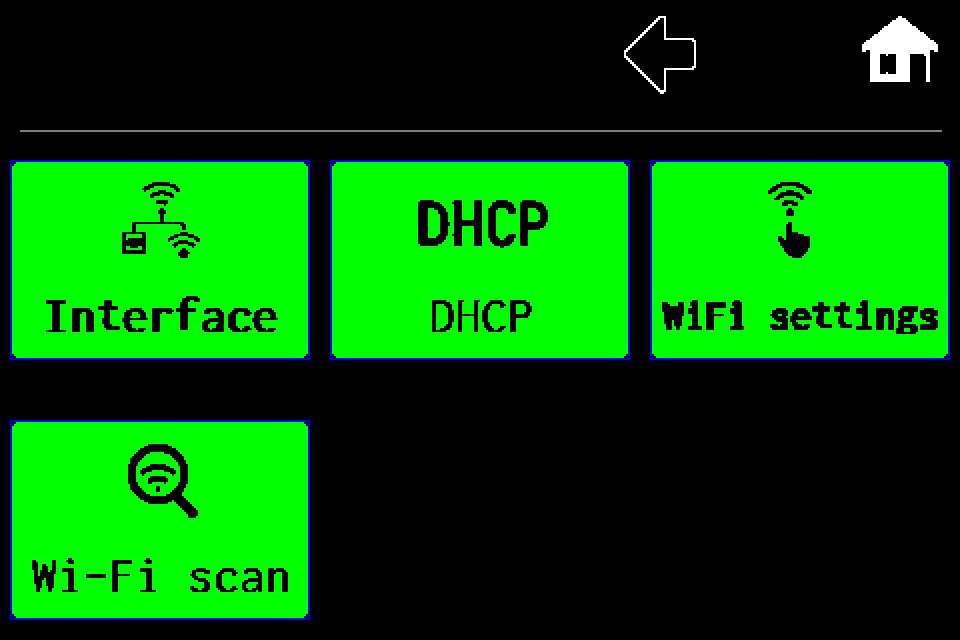
Network — Wi‑Fi client setup and network scanning
Client mode, Wi‑Fi scan, SSID and password, including the PIN screen, saving and restart.
Network — switch from Wi‑Fi client to LAN
Select wired LAN, save the profile and restart the controller.
Network — controller Access Point mode
Enable the controller’s own Wi‑Fi network and read connection details in INFO.
Network — DHCP and static IP configuration
Disable DHCP, edit IP, gateway and mask, then save and restart for LAN or Wi‑Fi client.
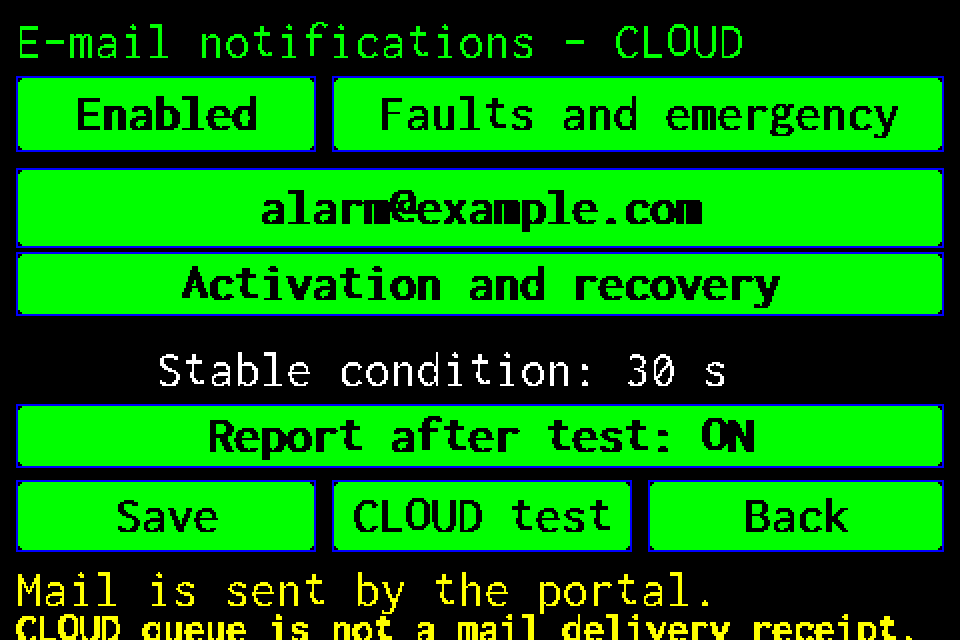
CLOUD email notifications — setup and test
Recipient, alarm conditions, reminders and reports after tests, with display screens and PIN login.