
Find your answer.
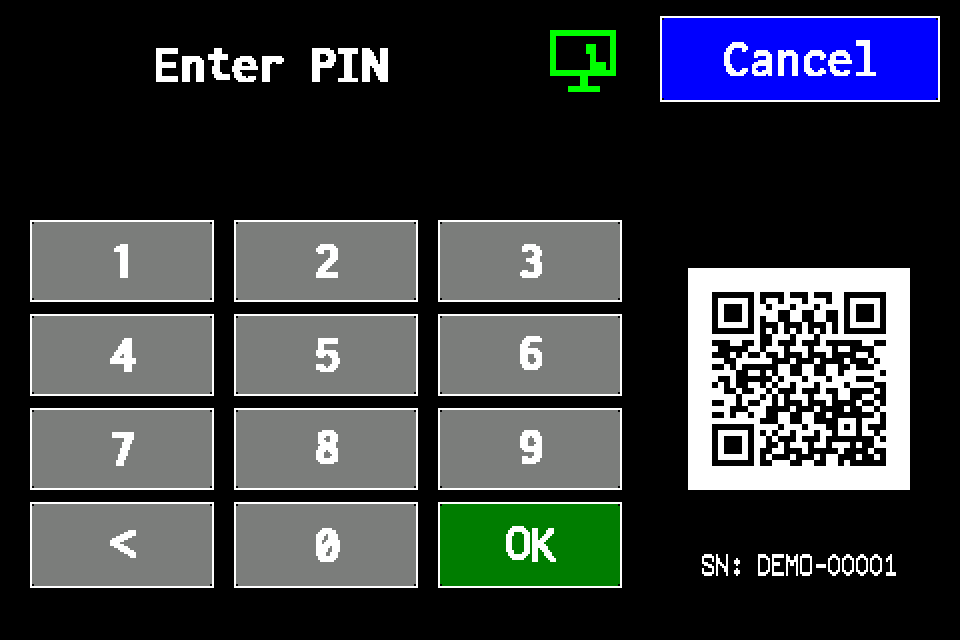
Controller access codes
User and service functions, the default service PIN, daily Gessler PIN and changing the code on the classic display.
Planer — building projects, luminaire placement and AirBUS connectivity
Load floor plans, draw walls, select catalogue luminaires and estimate 868 MHz radio connectivity.
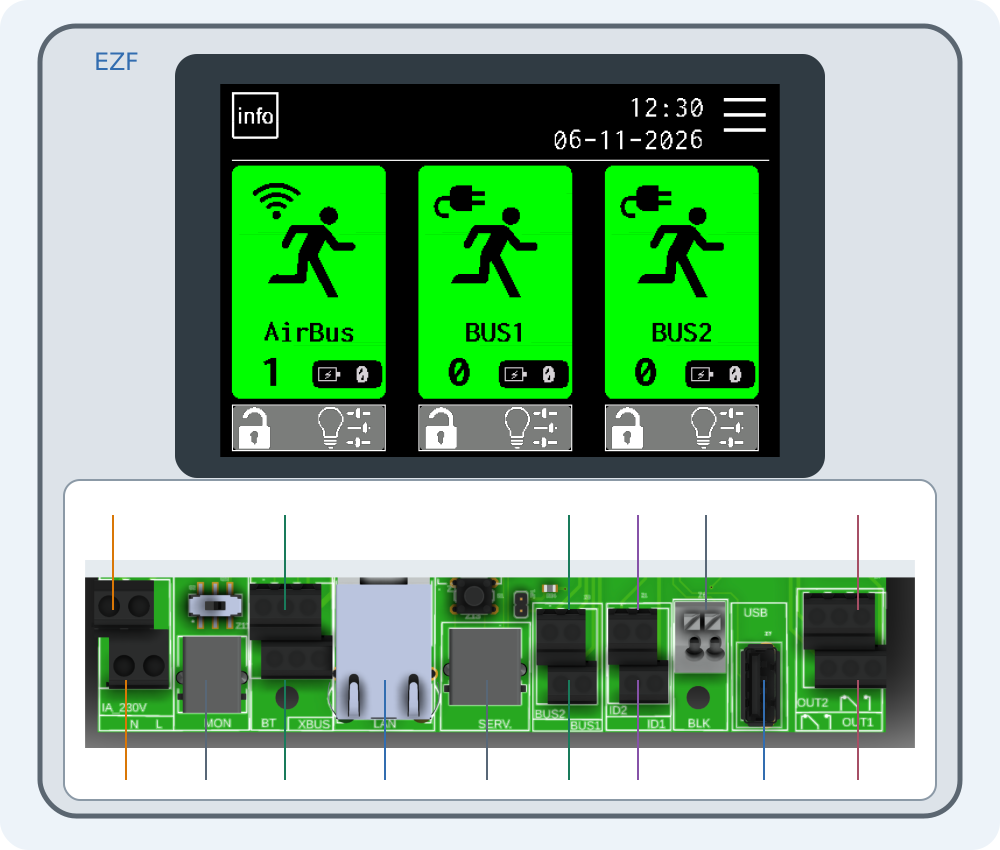
Connecting EZF — interactive connector guide
Select a number on the drawing or choose a connector below. Enlarge the drawing to read printed labels.
Import a luminaire list from CSV
Prepare and validate a list for AirBUS, BUS1 or BUS2, then import it over USB.
Export luminaires and transfer them to another controller
Transfer luminaire lists by channel and verify the imported configuration.
Export test group assignments
Export gruppetest.csv and check other settings separately.
Export test reports
Save test results to USB for archiving.
Export the event log
Archive logs.csv and service journal entries.
Web Master — setting up the integration
Connect Web Master to an EZF controller, synchronise luminaires and read their status.
EZF API — JSON, TSV and error handling
HTTP request examples, luminaire IDs, NVG diagnostics and error codes.
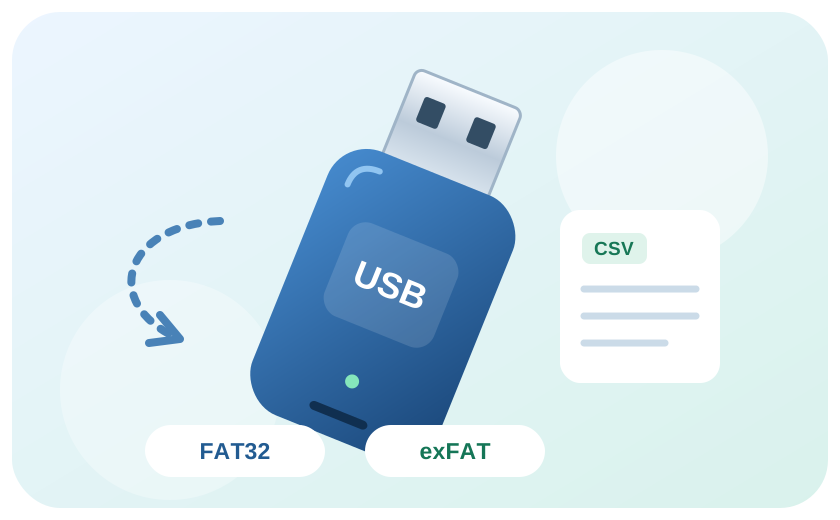
USB drives for the controller: FAT32 and exFAT
Prepare a USB drive, check format compatibility and resolve errors.