
Find your answer.
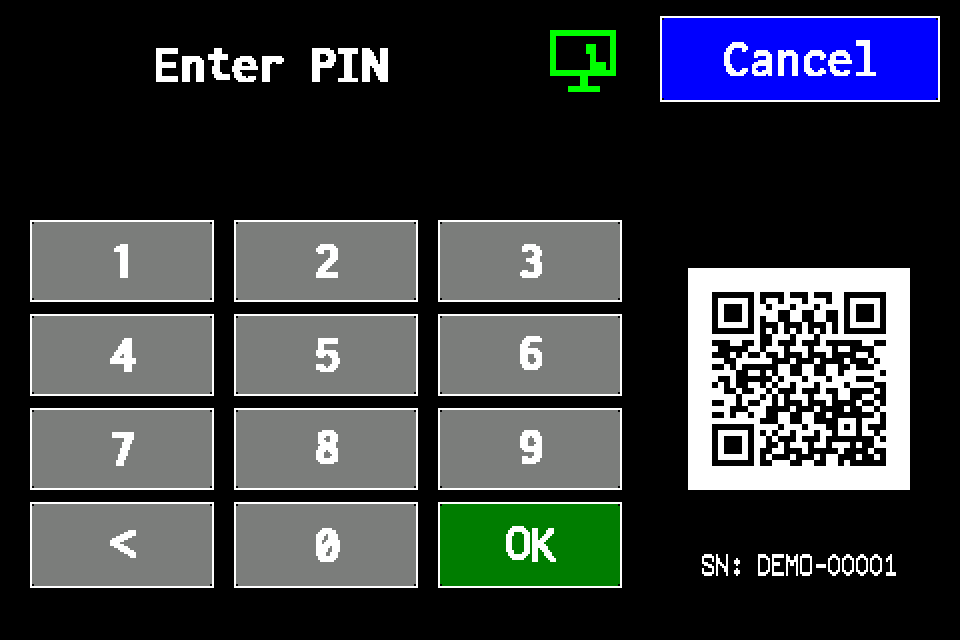
Controller access codes
User and service functions, the default service PIN, daily Gessler PIN and changing the code on the classic display.
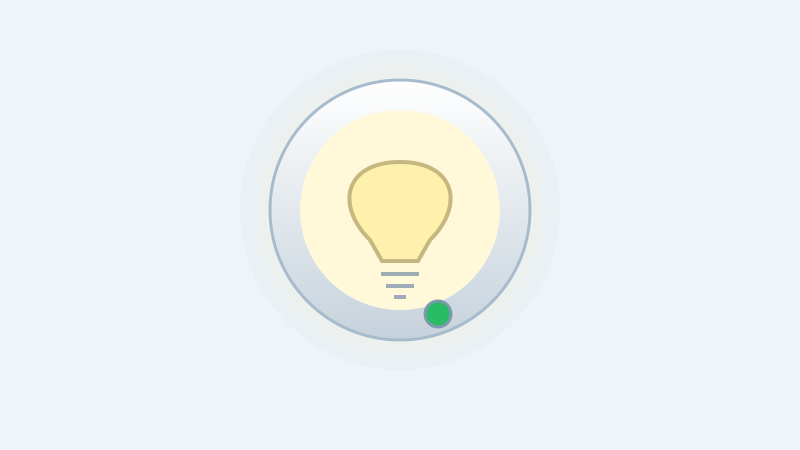
Standard and Gessler LED indication — reading luminaire faults
Distinguish the status LED from the main light. Function test, readout after complete power removal and an animated single-luminaire simulator.
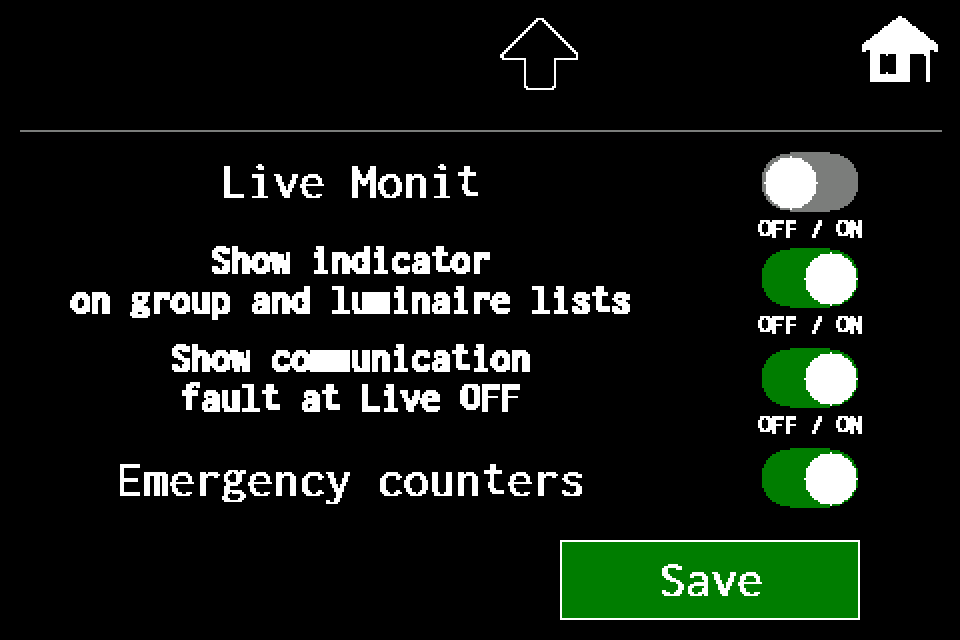
Live Monitoring — controller, group and luminaire-list states
Live OFF and Live ON, communication faults and emergency counters. MENU settings and experimental group/list shortcuts, with Classic/METRO display steps.
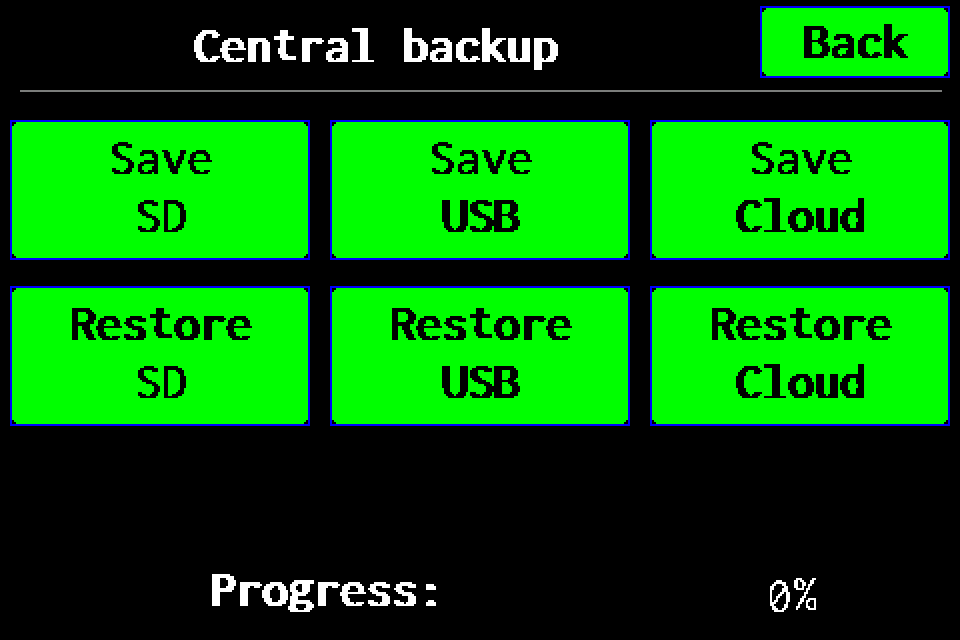
Full backup to Cloud — experimental
Experimental feature: prepare a full backup on SD and upload it to Cloud. Functions may be incomplete; keep a checked USB or SD backup.
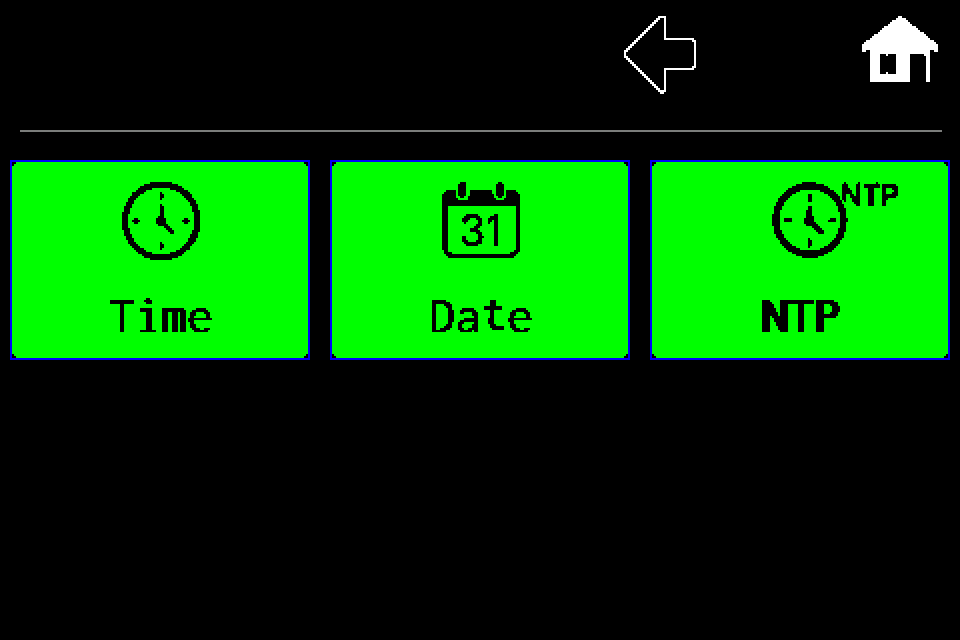
Controller — set the clock, date and NTP
RTC clock: set time and date manually or use NTP synchronization, correction and Summer time mode. Separate procedures with display screens.
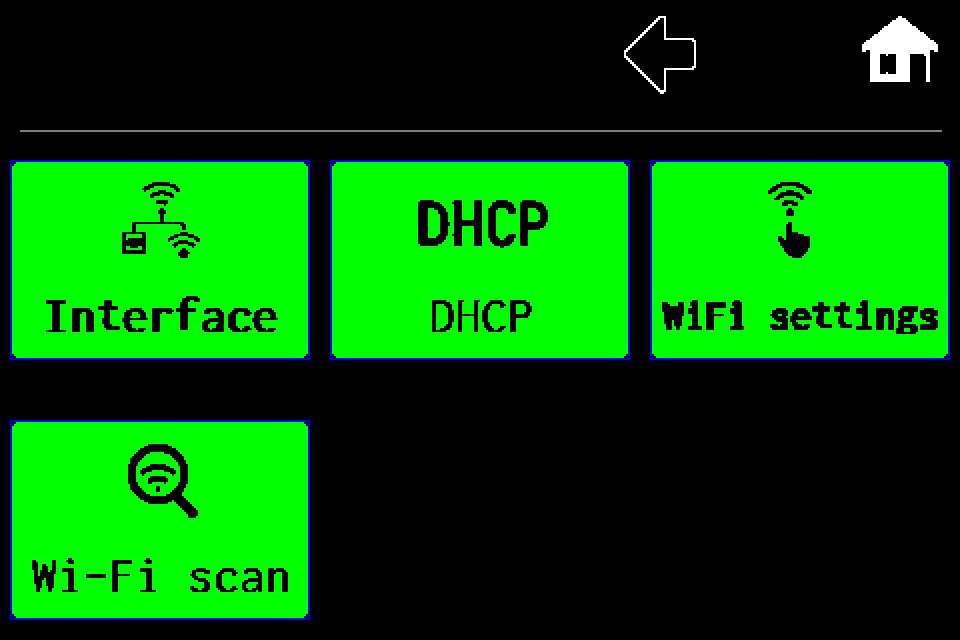
Network — Wi‑Fi client setup and network scanning
Client mode, Wi‑Fi scan, SSID and password, including the PIN screen, saving and restart.
Network — switch from Wi‑Fi client to LAN
Select wired LAN, save the profile and restart the controller.
Network — controller Access Point mode
Enable the controller’s own Wi‑Fi network and read connection details in INFO.
Network — DHCP and static IP configuration
Disable DHCP, edit IP, gateway and mask, then save and restart for LAN or Wi‑Fi client.
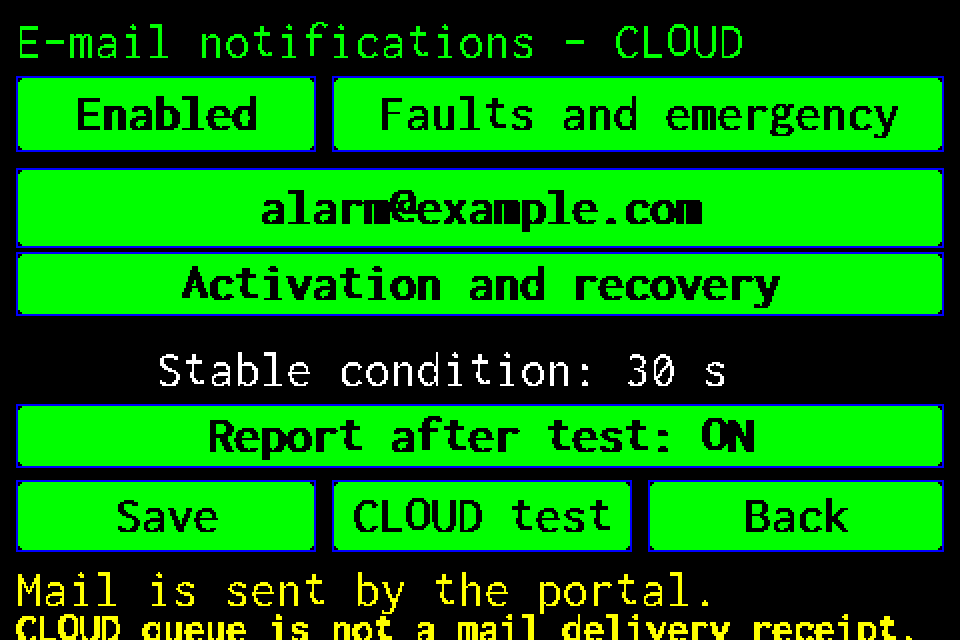
CLOUD email notifications — setup and test
Recipient, alarm conditions, reminders and reports after tests, with display screens and PIN login.
Modbus IP — configuration and status monitoring
Enable Modbus TCP, check the register map and test AirBus luminaires.
Integration tools — Windows, macOS and simulators
Download the tester, practise locally and prepare the integration without firmware source code.
Meet the EZF control unit
Your starting point for luminaires, tests and system documentation.
Results, reports and the event log
Keep the test context and prepare a clear service request.