
Find your answer.
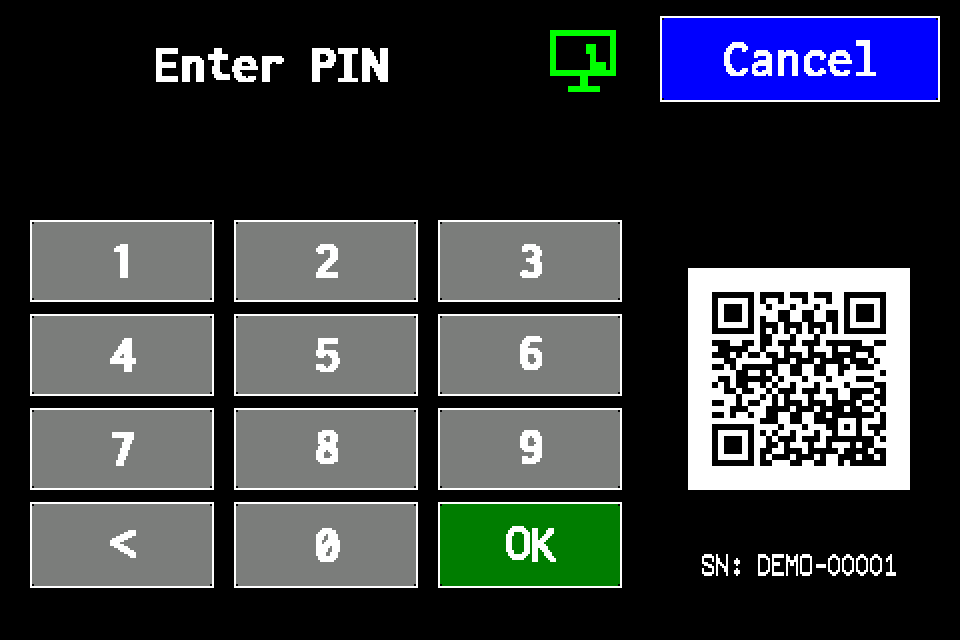
Controller access codes
User and service functions, the default service PIN, daily Gessler PIN and changing the code on the classic display.
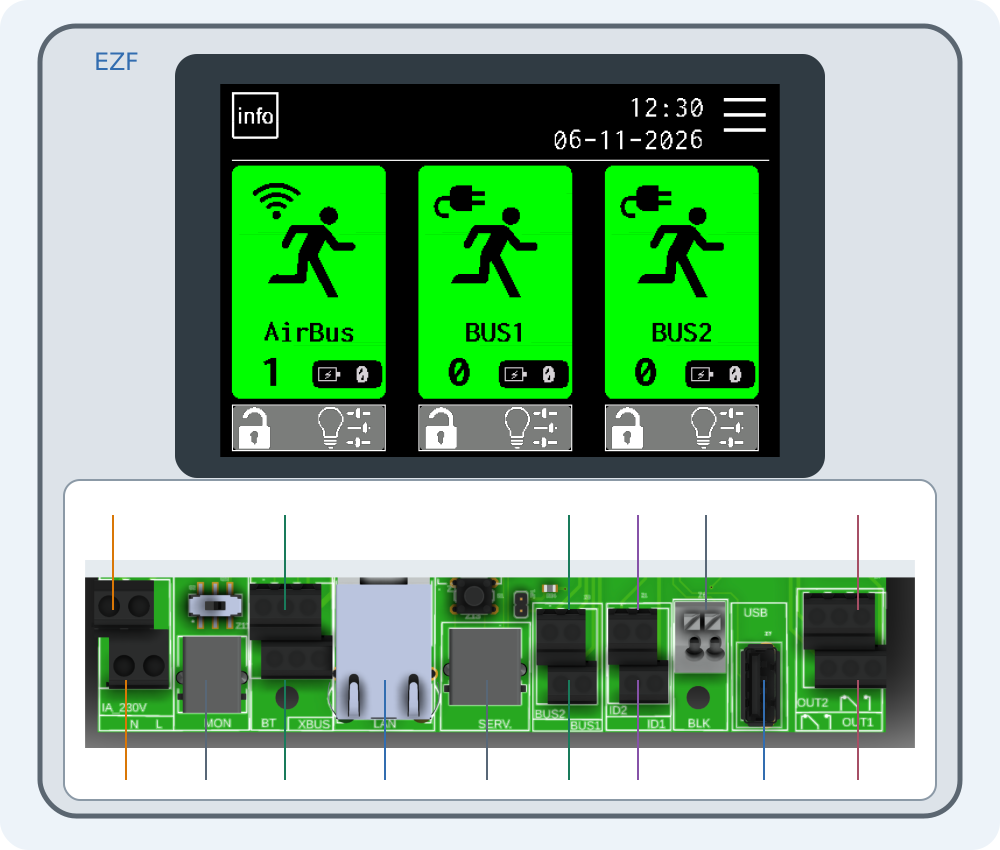
Connecting EZF — interactive connector guide
Select a number on the drawing or choose a connector below. Enlarge the drawing to read printed labels.
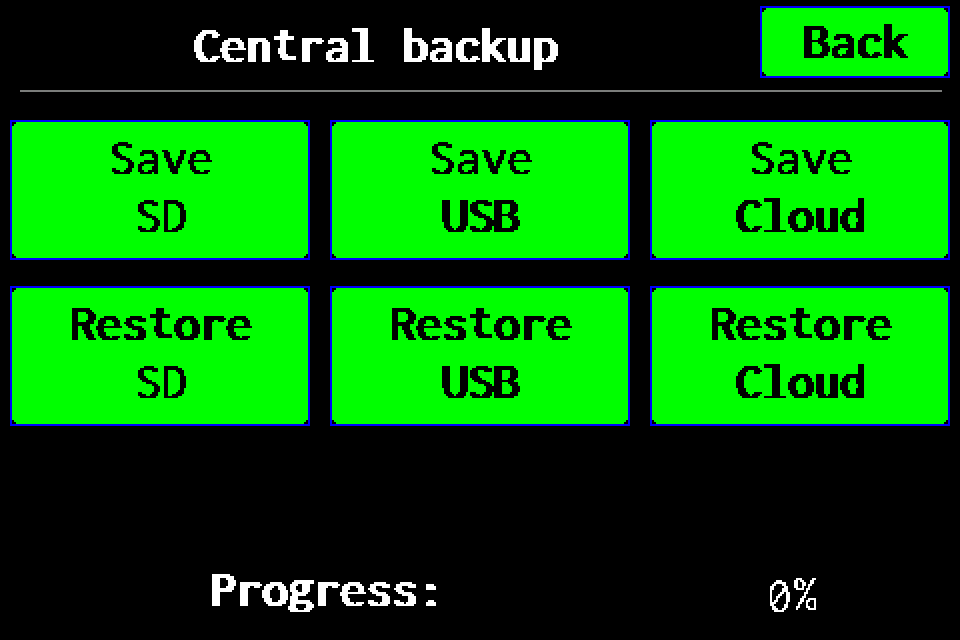
Full backup to USB
Full controller backup to a USB drive: menu path, saving, progress and checking the .ezb file. A working SD card is also required for USB.
Full backup to SD card
Full controller backup to SD card: menu path, saving, progress and checking the archive in /backups.
Full backup to Cloud — experimental
Experimental feature: prepare a full backup on SD and upload it to Cloud. Functions may be incomplete; keep a checked USB or SD backup.
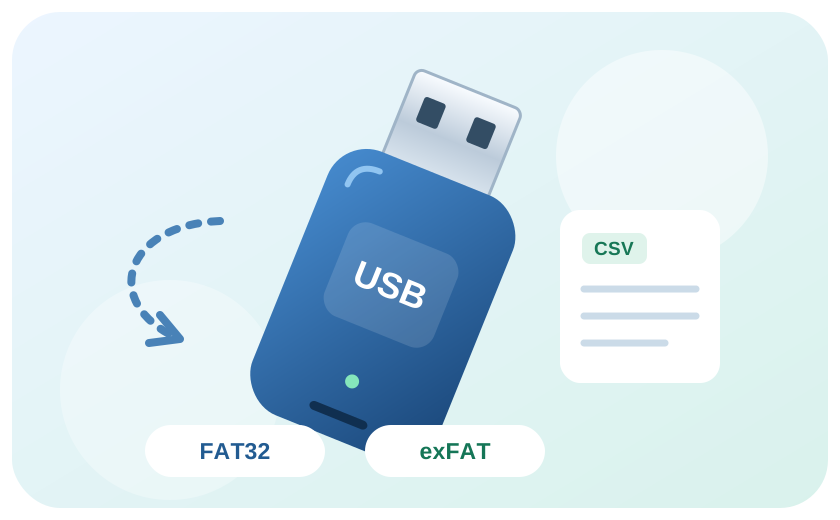
Import a luminaire list from CSV
Prepare and validate a list for AirBUS, BUS1 or BUS2, then import it over USB.
Export luminaires and transfer them to another controller
Transfer luminaire lists by channel and verify the imported configuration.
USB drives for the controller: FAT32 and exFAT
Prepare a USB drive, check format compatibility and resolve errors.
Meet the EZF control unit
Your starting point for luminaires, tests and system documentation.